
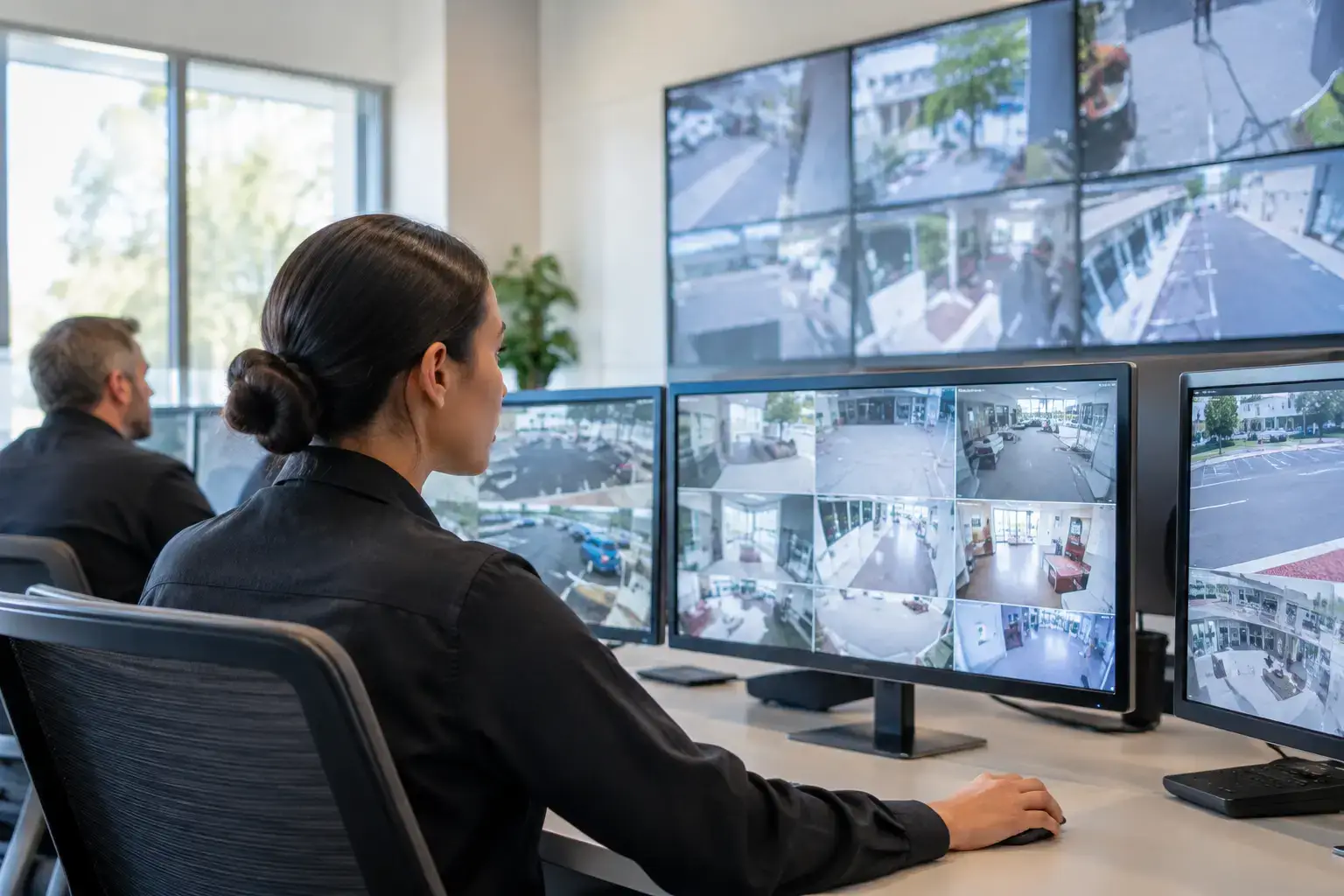
A control room can have cameras on one monitor, access-control alarms in another application, building data on a third screen, and incident updates buried in email or radio traffic. This security operations visualization guide explains how C-Control brings those operational sources into configurable views, so operators can assess priority, location, and status without constantly switching between systems.
C-Control is designed for control rooms that need centralized management of multi-source information. Rather than replacing every security, facilities, or infrastructure platform already in use, it provides a visualization and coordination layer. Operators can use one operational interface to monitor relevant information, focus attention on critical events, and maintain traceability from alert to response.
What security operations visualization needs to solve
Security operations visualization is not simply a wall of live video. Its purpose is to make operational context available at the moment a decision is required. A camera feed may show what is happening, but an operator also needs to know whether an access door is forced open, whether the location is within a restricted zone, whether a related alarm is active, and who owns the next action.
When these sources remain isolated, the cost is not just slower navigation. Operators can lose situational context, duplicate work, or escalate incidents based on incomplete information. The impact becomes more serious in environments with high operational criticality, including transportation hubs, large campuses, utilities, logistics sites, public venues, and distributed retail or service networks.
C-Control addresses this requirement through configurable multi-source visualization. It can present operational data in views organized around a site, process, asset, incident type, or operator role. That distinction matters. A facilities leader may need a broad view of alarms and building status, while a security operator needs immediate access to cameras, zones, access events, and incident instructions.
Build the visualization around operational decisions
The most effective control-room design starts with decisions, not displays. Before selecting layouts or adding data feeds, define what the team must recognize and act on during routine monitoring, elevated risk, and incident response.
For each use case, identify the trigger, the context required to verify it, the action expected from the operator, and the evidence that must be retained. This creates a practical framework for configuring C-Control views and avoids building dashboards that contain extensive information but do not support a workflow.
A forced-door event, for example, may require the operator to see the access-control event, the nearest camera, the door location on a map or floor plan, the current status of the zone, and the escalation procedure. A perimeter alarm might require a different view, with external cameras, environmental sensor information, and a wider site map.
Separate overview, investigation, and response views
One large screen layout cannot serve every task. C-Control supports configurable views that can be designed for different stages of operation.
An overview view should help operators identify exceptions quickly. It usually prioritizes active alarms, service status, site-level indicators, and a concise geographic or floor-plan perspective. Investigation views provide deeper context for a selected event, such as related video, device status, historical information, or linked systems. Response views support action by presenting procedures, communication status, assigned ownership, and incident updates.
This separation reduces visual noise. It also makes large video walls more purposeful. A wall can show shared, high-priority operational status, while individual operator workstations provide the detail needed to validate and manage an event.
Use priority rules that reflect real risk
Not every notification deserves the same screen position or escalation path. Visualization should mirror the organization’s risk model, with clear criteria for severity, operational impact, location, recurrence, and source confidence.
A low-priority device communication fault may need tracking but not immediate intervention. A fire-related alarm, unauthorized access to a critical area, or loss of visibility at a high-risk location may require a prominent visual state and a defined response workflow. The exact rules depend on the site, operating hours, staffing model, and regulatory obligations.
Avoid using color as the only urgency signal. Labels, icons, time indicators, audible notifications where appropriate, and clear status language make views more usable under pressure and more accessible across shifts.
Connect sources without losing governance
The value of a visualization platform depends on the quality and relevance of the data it receives. C-Control can be integrated with security, facilities, IoT, and operational systems to consolidate the information operators need. The integration design should be governed as carefully as the interface design.
Common sources include:
- Video management systems and camera feeds
- Access control, intrusion, and perimeter detection systems
- Building management systems, sensors, and IoT devices
- Geographic information, floor plans, and asset location data
- Incident, ticketing, or communications platforms
For example, a camera system remains the source of record for video retention and camera configuration, while C-Control can surface the relevant feed in an incident view. Similarly, an access-control platform can retain authority over credentials and door policy while its events are visualized alongside related operational data. This approach preserves established governance while improving coordination.
Design the control-room architecture for continuity
Visualization depends on more than interface configuration. The operating architecture must account for displays, workstations, network connectivity, user permissions, device monitoring, and support procedures. A control room that cannot see the health of its own presentation environment has a gap in continuity planning.
C-Control can be deployed with professional displays, LED walls, operator consoles, and connected devices appropriate to the room’s role. The hardware decision should follow viewing distance, room layout, ambient light, redundancy needs, and the number of simultaneous sources. A large video wall may be justified for shared awareness in a command center, while a smaller display configuration may be more effective for local monitoring rooms.
Screen and device monitoring are equally important. Operators and technical teams need visibility into whether displays, players, connections, and critical endpoints are available. Centralized management supports remote oversight across multiple rooms or locations, reducing the need for manual checks and helping teams identify failures before they affect an incident response.
SIA Interactive combines C-Control with proprietary software platforms, certified professional hardware, and 24/7 operational support models for organizations that need a managed, scalable control-room environment. The right deployment model depends on internal IT ownership, integration scope, security architecture, and the required level of operational support.
Establish roles, traceability, and change control
A visualization layer becomes part of the operational system of record when teams use it daily to assess and coordinate events. That requires disciplined governance. Define which roles can change layouts, add sources, acknowledge events, modify escalation rules, or access sensitive camera and security data.
Role-based views are useful because they prevent every user from seeing the same volume of information. A supervisor may need cross-site performance and incident status, while an operator needs detailed local controls. Technical administrators need monitoring and configuration access without necessarily participating in operational decisions.
Traceability should cover both incidents and configuration changes. Teams need to understand what was visible, what action was taken, who acted, and whether the workflow followed the approved process. They also need change control for integrations, dashboards, priority logic, and device configurations. A small layout change can have a significant effect if it obscures a critical status or introduces inconsistent event handling.
Apply the model to the operating environment
The same C-Control capabilities support different operational models. The configuration should reflect the environment rather than force every site into a generic security dashboard.
In a transportation or logistics operation, the priority may be perimeter status, loading areas, vehicle flow, access zones, and incident coordination. In a corporate campus, it may be visitor activity, critical entrances, building alarms, evacuation information, and facilities coordination. In utilities and infrastructure, teams may combine physical security events with site condition, remote asset status, and communications availability.
For retail and distributed service locations, central teams can use multi-site visualization to identify store-level security exceptions, monitor critical devices, and coordinate with local staff. The practical value comes from presenting an exception with enough context to determine whether remote action, local verification, or escalation is needed.
A practical rollout sequence
Start with a limited set of high-value scenarios rather than attempting to visualize every source at once. Select incidents that are frequent, high impact, or difficult to investigate under the current workflow. Configure the required views, validate data mapping, test alert priorities, and run operator exercises with realistic conditions.
Measure whether the new configuration reduces navigation steps, improves acknowledgment discipline, shortens verification time, or makes handovers clearer between shifts. These operational measures are more meaningful than counting dashboards or integrations. They show whether the visualization is improving control.
As the environment expands, maintain a configuration standard for naming, locations, colors, ownership, and priority logic. Consistency allows operators to move between sites and views without relearning the basics during a critical event.
A well-designed C-Control environment should make the next operational action clearer, not merely put more data on the wall. When every view is connected to a decision, a responsible role, and a governed source of information, the control room becomes easier to operate under normal conditions and more dependable when conditions are not normal.