
DEX Suite and C-Control give teams a controlled way to integrate signage data sources into screens, kiosks, videowalls, and operational dashboards. The objective is not simply to display more information. It is to ensure that the right data reaches the right physical endpoint, at the right time, with clear ownership, monitoring, and fallback behavior when a source is unavailable.
For digital signage managers, this may mean connecting menus, inventory levels, queue systems, campaign feeds, or corporate metrics to content templates. For control-room teams, it may mean bringing together alarms, camera feeds, IoT sensor data, mapping layers, incident systems, and operational applications in configurable views. Both use cases depend on the same principle: data integrations must operate within a managed architecture rather than becoming a collection of isolated screen-level connections.
Start with the platform, not the screen
DEX Suite is designed to centralize content scheduling, screen and device management, data-driven templates, and operational monitoring across distributed estates. It provides the governance layer needed to connect approved data sources to digital communication without giving every local user uncontrolled access to live systems.
C-Control addresses the parallel need in control rooms and mission-critical environments. It enables multi-source visualization through configurable operator views, allowing teams to monitor operational information from different applications in one workspace. The emphasis is on situational awareness, traceability, and continuity of operations rather than on a single data feed or display format.
In both cases, the display is the final layer of the workflow. The more significant decision is how data is collected, validated, transformed, assigned to content or views, and monitored after publication.
How to integrate signage data sources with governance
A successful integration begins by defining the operational role of each source. Not every system should feed every display, and not all information should update at the same frequency. A retail promotion can refresh on a scheduled basis, while queue status or facility alerts may require near-real-time updates. In a control room, an alarm state may need immediate visibility, while a reporting dashboard can tolerate a delay.
Define the source of truth
Identify which application owns each data point before connecting it to DEX Suite or C-Control. For example, a point-of-sale platform may be the source of truth for product availability, a workforce system for service coverage, and a building management system for temperature or equipment status.
This avoids a frequent operational problem: different screens showing conflicting values because data has been copied, manually edited, or pulled from an outdated intermediary file. A governed integration should establish who owns the source, who approves its use, how frequently it refreshes, and what happens when it cannot be reached.
Choose the right integration method
The connection method depends on the source system, the required update frequency, and the available security model. DEX Suite and C-Control deployments can work with APIs, databases, web services, structured files, IoT platforms, and third-party business applications. The method should fit the operational requirement rather than follow a one-size-fits-all approach.
Common source categories include:
- Business applications such as ERP, CRM, point-of-sale, booking, workforce, and ticketing systems
- Operational systems such as building management, incident management, security platforms, and network monitoring tools
- IoT sources including occupancy, environmental, energy, equipment, and footfall sensors
- Data services such as weather, transport, market, and public information feeds
- Enterprise reporting environments and approved cloud data repositories
Normalize data before it reaches the layout
A content template should not need to solve every data-quality issue. Before a value is used on a screen or operator view, define its format, units, labels, status rules, and exception handling. A temperature feed, for example, needs a clear unit standard. A queue feed needs agreed thresholds for normal, warning, and critical states.
Normalization also reduces the effort of reusing a source across locations, languages, layouts, and hardware formats. A single approved data model can power a portrait display in a branch, a menu board in a QSR location, and a dashboard on a videowall without rebuilding the underlying logic each time.
Design content for live data, not static publishing
Data-driven signage requires layouts that accommodate variation. Text fields may be longer than expected, product lists may have missing values, and live figures may exceed a planned range. DEX Suite content design should include rules for these conditions so that the screen remains readable and credible.
Use defined states rather than assuming every source will always return valid data. A pricing template can show the latest approved price, a scheduled promotion, or an approved fallback message. A transport display can indicate that updates are temporarily unavailable rather than showing a blank panel. In operational environments, C-Control views can preserve relevant context while clearly flagging a source or connection issue for the operator.
This is where continuity of operations becomes practical. Fallback content is not a cosmetic feature. It protects the user experience and prevents teams from communicating inaccurate information when an upstream application is unavailable.
Match update frequency to operational criticality
More frequent updates are not automatically better. They can increase network demand, place unnecessary load on source systems, and make it harder to investigate what was displayed at a specific time. The appropriate refresh interval depends on operational criticality.
A corporate KPI screen may update hourly or daily. A digital menu connected to availability data may need updates every few minutes. A security, facilities, or infrastructure control room may require live event visualization with immediate operator attention. Define these service expectations during solution design, including the escalation path when data is stale or devices stop reporting.
Screen and device monitoring is essential here. A healthy source is of limited value if a player, display, kiosk, or network connection is offline. Centralized monitoring should cover both the device estate and the publishing workflow, allowing operations teams to distinguish between a source problem, a network problem, and an endpoint problem.
Build access control into the integration architecture
When signage uses enterprise or operational data, permissions cannot be an afterthought. Teams should separate the ability to manage content from the ability to configure data connections, approve templates, or alter critical thresholds.
DEX Suite supports centralized management workflows in which user roles, content approval, scheduling rights, and device groups can be managed according to organizational responsibilities. C-Control environments require equally deliberate controls because operator views may combine information from systems with different levels of sensitivity.
The practical goal is controlled access without slowing down daily operations. A communications manager may update approved campaign content, while IT manages credentials and connectivity. A facilities operator may view equipment status, while a system administrator manages the source integration. This division strengthens governance and improves traceability when changes need to be reviewed.
Plan for scale across locations and hardware
An integration that works on five screens can fail operationally at 500 if it relies on local exceptions, manual credentials, or one-off templates. Scalable deployments use standardized content models, reusable integration components, device grouping, and centralized monitoring.
This also applies to hardware. Commercial displays, LED walls, self-order kiosks, electronic labels, sensors, and videowalls have different display behavior and connectivity requirements. The data layer should be independent enough to serve multiple endpoint types, while the presentation layer adapts to the device, viewing distance, orientation, and operational setting.
SIA Interactive applies this model through proprietary platforms, certified professional hardware, Azure-certified infrastructure, and 24/7 operational support for environments where availability matters. The deployment design still depends on the specific source systems, security requirements, and service levels of each organization.
Apply data integrations to the operational use case
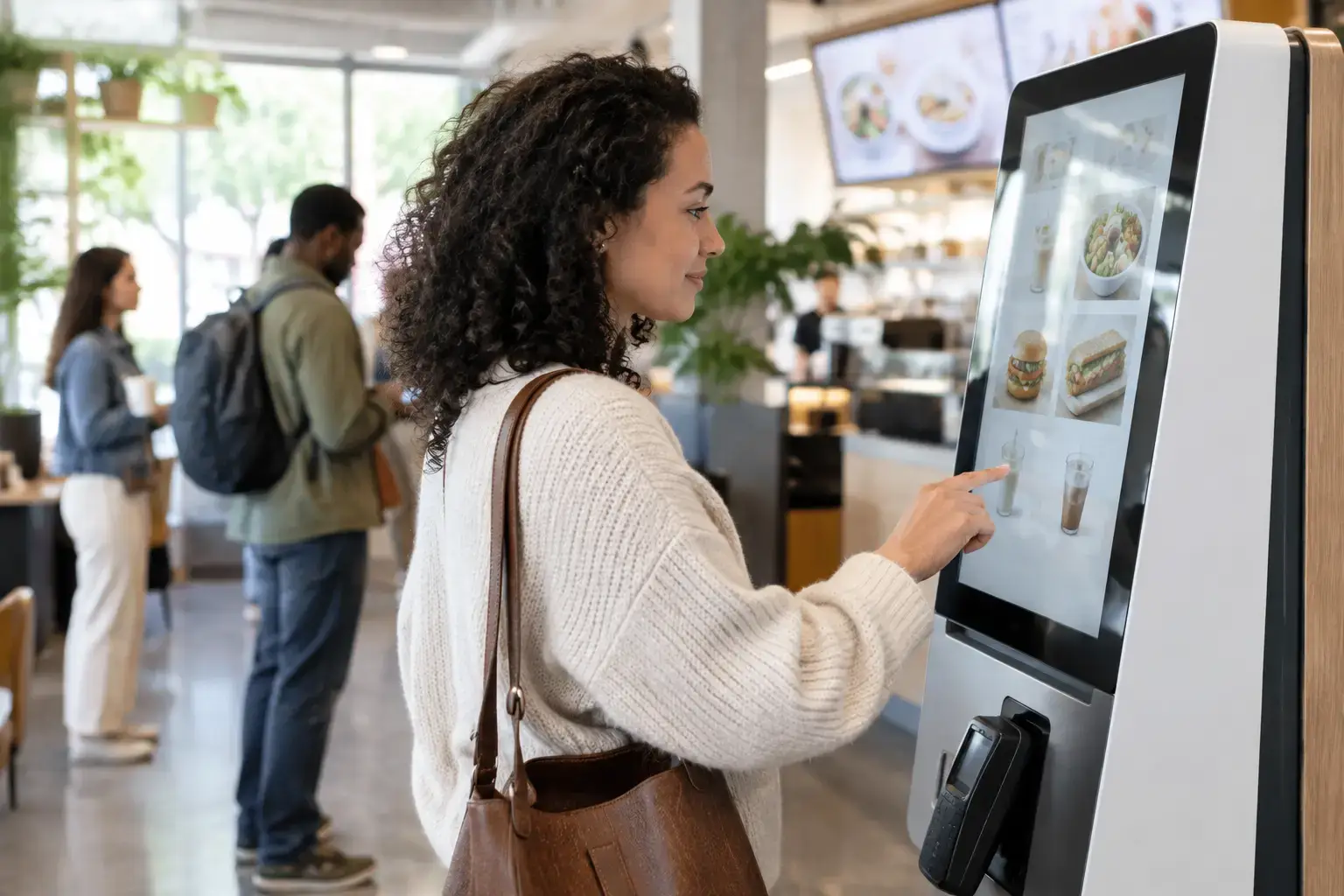
In retail, DEX Suite can combine campaign schedules with product, pricing, stock, and queue data to make store communication more responsive. In QSR, menu boards and self-order kiosks can align with daypart rules, availability, and operational messaging, helping teams reduce manual updates during busy periods.
For corporate communications, the same architecture can distribute approved business metrics, safety messages, room information, and internal announcements across offices while preserving brand and content governance. In facilities and infrastructure, C-Control can bring sensor data, alarms, maps, camera views, and incident information into configurable views that support faster coordination.
The best integration is rarely the one with the most feeds. It is the one that gives each team a reliable, governed view of the information required to act. Start with the decision a screen or operator must support, then design the data path, fallback behavior, and monitoring model around that decision.