
A screen rollout rarely fails because a display was too small. It fails when a regional team cannot update a promotion on time, IT cannot identify an offline player, or a local location can override centrally approved content. This enterprise digital signage buying guide focuses on the operating model behind the screens: the software, infrastructure, governance, and support required to run a distributed network with control.
For enterprise environments, DEX Suite addresses this requirement through centralized content and device management. The buying decision is not simply about publishing media. It is about maintaining content accuracy, device availability, security, and traceability across stores, offices, transport hubs, campuses, or customer-service environments.
Start With the Operating Requirement, Not the Screen
Before comparing platforms, define what the network must do during normal operations and during an exception. A corporate communications team may need scheduled messaging across office locations. A QSR operator may need daypart menus that change by restaurant, language, and time zone. A retail organization may require price, campaign, and inventory information to remain aligned across digital displays and electronic labels.
These needs affect architecture. A basic cloud CMS may be sufficient for a small, low-risk network with a limited number of templates. A larger deployment needs role-based workflows, approval paths, rules for local versus central control, and evidence of what was published, where, and when.
Ask each vendor to demonstrate the actual workflow for a common change: a campaign update, an emergency message, a player replacement, and a connectivity loss. A polished content editor does not prove that the platform can maintain continuity across thousands of endpoints.
Evaluate the CMS as a Control Layer
The CMS should function as the control layer for content, devices, users, and operational rules. DEX Manager centralizes these functions so teams can organize screen groups, assign content, schedule playback, and monitor the status of connected devices from one interface.
Content scheduling needs rules, not just calendars
Calendar scheduling is expected. Enterprise scheduling should also support prioritization, recurring programs, date ranges, screen-specific layouts, and conditional content logic where required. Marketing teams need to plan campaigns in advance, while operations teams need the ability to interrupt standard programming with approved urgent messages.
Review whether content can be assigned by hierarchy. For example, headquarters may publish a mandatory brand campaign, a country team may add localized creative, and a store may receive only the material relevant to its location. This reduces manual work and protects governance without creating a bottleneck for every local change.
Content templates also deserve close attention. They should allow approved users to update governed fields such as prices, product names, images, or messages without altering the visual structure. That distinction matters when many users contribute content but brand consistency must remain controlled.
Device management must be operational
A device inventory is not the same as device management. Buyers should look for screen and player monitoring, online and offline status, proof-of-play where applicable, remote configuration capabilities, and alerts that help teams act before a failed endpoint becomes a visible issue.
For critical environments, ask how the system reports incomplete playback, failed downloads, storage constraints, player health, and connectivity problems. Also clarify what happens when the network connection is interrupted. The answer may differ by player, content type, and local deployment configuration, so it should be tested against the organization’s continuity requirements.
Remote management reduces the need for site visits, but it does not eliminate the need for a defined support process. The platform, hardware supplier, field service provider, and internal IT team must have clear ownership when a device fails.
Assess Architecture, Security, and Governance Early
Enterprise digital signage often connects to corporate networks, business data, and physical locations. Security cannot be a procurement checkbox added after the creative review.
Examine identity and access controls first. Different teams should be able to create, approve, publish, and administer according to their role. A store manager, content editor, regional operator, and platform administrator do not need the same permissions. The system should support governance that matches the organization rather than forcing every user into an all-or-nothing access model.
Then review the underlying architecture. Questions should cover cloud hosting, data residency requirements, encryption, auditability, backup procedures, software update practices, and incident response. For organizations with formal security requirements, certifications such as ISO 27001 provide a useful indicator of documented information-security processes, but they should be considered alongside the vendor’s practical controls and operating model.
SIA Interactive operates DEX Suite on Microsoft Azure-certified infrastructure and maintains ISO 27001 and ISO 9001 certifications. For buyers, the relevant point is not the badge alone. It is whether the vendor can explain how its architecture supports access governance, service quality, traceability, and operational continuity for the proposed deployment.
Plan Integrations Around Decisions and Actions
The strongest digital signage networks are connected to operational data, but integration only has value when it changes what appears on screen or how a team responds. A retail display might use product, inventory, or campaign feeds. A corporate network may draw from internal communications tools, room-booking systems, or business dashboards. A control-room environment may require multi-source visualization through C-Control, combining operational applications, cameras, IoT data, maps, and alerts in configurable views.
Do not start with a long list of possible APIs. Start with the decision or action the integration supports. If inventory is low, should promotional content stop automatically? If a queue threshold is reached, should the display direct customers to another service point? If an operational alarm is raised, which operators need to see it, and in which view?
For every planned integration, establish the data owner, update frequency, fallback behavior, authentication method, and support responsibility. A live data feed without defined ownership can create inaccurate messaging faster than a manual process.
Choose Hardware as Part of the Platform Design
Commercial displays, LED, video walls, kiosks, media players, sensors, and cameras should be selected according to use case, operating hours, environment, and serviceability. A display designed for occasional meeting-room use is not necessarily appropriate for a customer-facing network that runs long hours every day.
Hardware selection also affects remote operations. Verify compatibility between the CMS, player operating system, display model, and any peripheral devices. Confirm how device replacement works, whether configurations can be reapplied quickly, and what local commissioning is required. Standardizing approved hardware models can simplify deployment, spares management, and technical support.
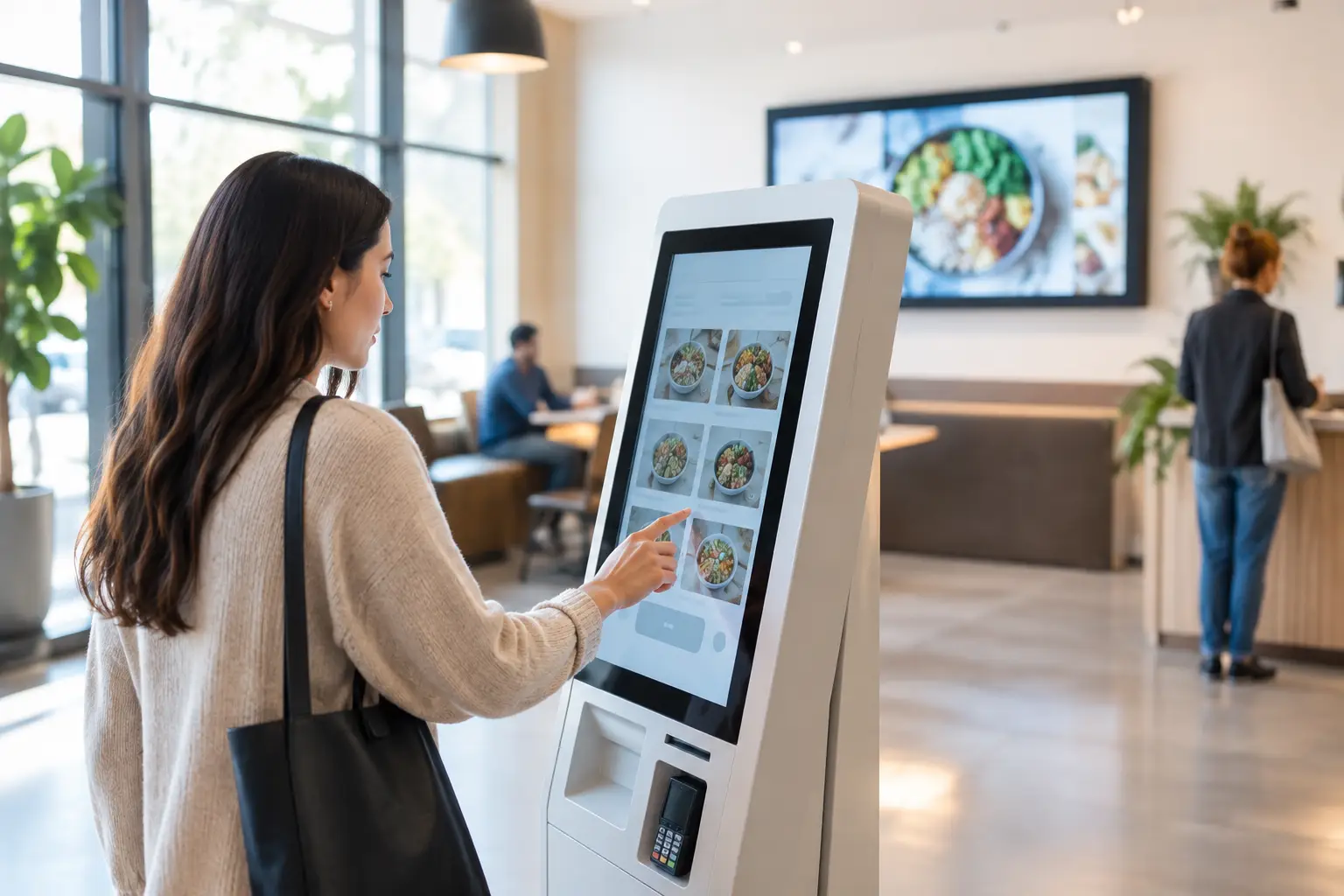
A kiosk or self-service deployment requires an additional layer of scrutiny. The buying team should assess peripheral management, user flow, accessibility, cleaning requirements, payment or ordering integrations where relevant, and what happens if a component becomes unavailable. In these environments, availability directly affects queues, staff workload, and customer service.
Build the Enterprise Digital Signage Buying Guide Into Procurement
A useful enterprise digital signage buying guide should become a weighted evaluation process, not a document that disappears after vendor shortlisting. Score vendors against the capabilities that matter to your operating model: centralized management, content governance, device monitoring, integrations, security architecture, hardware certification, deployment capacity, and support coverage.
Run a scenario-based proof of concept rather than a design-only demonstration. Include users from communications, operations, IT, and local teams. Test a scheduled campaign, a location-specific update, a user-permission change, a device outage, and an urgent content override. If data integrations are part of the scope, test real or representative data under realistic conditions.
Also distinguish between software features available today, integrations that require configuration, and custom work that requires a project. This prevents a common procurement problem: assuming that a promising demonstration represents an out-of-the-box capability at full scale.
Define Service Ownership Before Rollout
A mature deployment needs a service model as much as a technology stack. Decide who owns content quality, device uptime, first-line support, network access, field replacement, and escalation. The answers may be shared across internal teams, a managed-service provider, and certified partners, but they must be explicit.
For geographically distributed or mission-critical networks, 24/7 monitoring and support may be necessary. For lower-criticality internal communications, business-hours support may be appropriate. The correct level depends on the operational impact of a screen being unavailable or displaying incorrect information.
Buy the platform that gives teams control after deployment, not just impressive content on launch day. When centralized management, governed publishing, device visibility, and defined service ownership are designed together, digital signage becomes an operational system that can scale with the organization.