
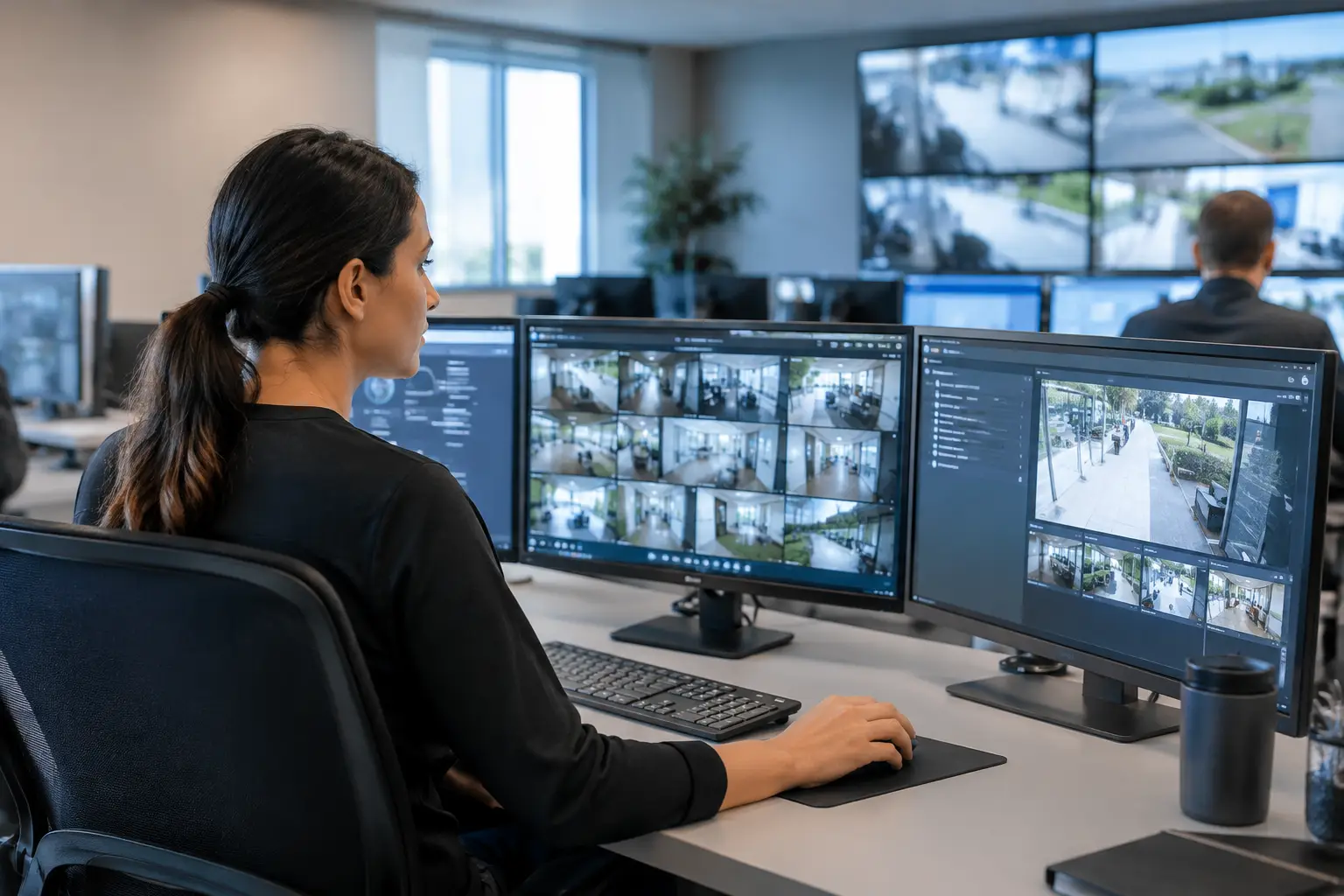
A control room software review should not begin with a feature checklist. It should begin with the operator’s most demanding shift: an alarm is escalating, multiple sources require attention, a video wall must show the right priorities, and supervisors need a shared operational picture without switching between disconnected applications. The question is whether the platform can support that workflow with speed, traceability, and control.
C-Control is designed for this requirement: centralized, configurable visualization of multiple operational sources in a control-room environment. For operations, security, facilities, and infrastructure teams, the review process should test how the software turns source data, camera feeds, applications, and alerts into usable views for the people responsible for action.
How to run a control room software review
A useful review evaluates the platform against real operational scenarios rather than a polished demonstration. Ask each vendor to configure a representative environment using the sources, user roles, and display layout that matter to your team. A platform may look effective when showing a clean dashboard with sample data, yet create friction when operators must coordinate live events across security, building, network, or service-management systems.
Start by defining the decisions your control room needs to make. For example, an infrastructure team may need to identify a service disruption, confirm its geographical or site-level impact, open the relevant monitoring application, and communicate status to a supervisor. A security team may need an incident view that combines cameras, access-control information, and incident-management data. The software should make those workflows clearer, not add another destination for operators to manage.
Test configurable views, not just dashboards
The core capability to examine is multi-source visualization. C-Control can organize information in configurable views, allowing an organization to define how applications, web sources, data feeds, and visual content appear on operator workstations or shared displays. This matters because the appropriate view changes by role, location, and incident type.
During the review, ask how easily the team can create and maintain layouts for normal operations, degraded operations, incident response, and executive oversight. A good platform should allow operators to focus on current priorities while allowing authorized administrators to govern templates and layout changes centrally. It should also support the practical needs of a control room: readable content at distance, clear status hierarchy, and views that do not require constant manual rearrangement.
The trade-off is flexibility versus governance. Unlimited local editing can be useful during an exceptional event, but it can also result in inconsistent wall layouts, duplicate views, and uncertainty during handover. Review the permissions model closely. Determine who can change a view, who can publish it to a shared display, and whether changes can be traced back to a user and time.
Control room software review criteria for architecture
Visualization is only useful when the underlying architecture supports continuity. Ask where the platform is deployed, how it connects to enterprise systems, how access is controlled, and what happens when a source is unavailable. These are operational questions, not infrastructure details to defer until procurement is complete.
For enterprise deployments, cloud architecture can simplify centralized management across control rooms and sites, but it must align with network segmentation, identity policies, and information-security requirements. C-Control can be deployed as part of a broader architecture that includes managed display endpoints, connected applications, and operational data sources. The review should establish which components are native platform capabilities and which require an integration, connector, or project-specific configuration.
Validate integrations with representative data
A control-room platform is not a replacement for every operational system. It provides a coordinated layer through which teams can visualize and manage the information that already exists across those systems. That distinction should guide the review.
Bring representative sources into the evaluation. These might include video management systems, building-management applications, IoT sensor data, network-monitoring tools, ticketing systems, service dashboards, or web applications. Test whether data remains legible and current in the intended view, whether authentication works within the organization’s access model, and whether the source behaves predictably after a session refresh or network interruption.
Do not accept a generic statement that the platform “integrates with anything.” Ask what integration method is proposed for each source, whether it is available now, and who owns its lifecycle after deployment. API-based integration, embedded web applications, and custom data visualization can all be appropriate, but they involve different levels of maintenance, data governance, and implementation effort.
Review monitoring and operational ownership
Screen and device monitoring is especially relevant when the control room relies on videowalls, distributed displays, or remote workstations. A platform should help technical teams understand whether a display endpoint is online, whether scheduled content or configured views are being delivered, and where intervention is required. Centralized management reduces the time spent checking devices individually, particularly across multiple sites.
Review the boundary between software monitoring and hardware support. Confirm what status information is visible, how exceptions are reported, and how the organization escalates an endpoint issue that affects operational visibility. If the control room has a high criticality rating, include recovery procedures in the test plan rather than treating them as a support contract detail.
Test continuity under pressure
A review becomes credible when it includes failure conditions. Ask the vendor to show what the operator sees when a data source is delayed, a display disconnects, permissions change, or a scheduled view must be replaced during an active event. The objective is not to expect zero failure. It is to verify that the team can recognize, isolate, and respond to failure without losing operational control.
Use at least four test scenarios:
- A shift handover in which the incoming team must understand current alarms, open incidents, and active shared views without rebuilding the workspace.
- A source outage in which a critical application or feed is unavailable and the platform must make the status visible without obscuring the remaining sources.
- An incident escalation that requires a supervisor to publish a prioritized view to a videowall or selected operator group.
- A device issue affecting a display endpoint, where technical staff need to identify the affected screen and restore the intended configuration remotely.
Include the display and device layer in the evaluation
Control-room software must be assessed with the environment in which it will operate. A multi-source view can be technically correct but operationally ineffective if it is displayed on the wrong screen size, mapped poorly across a videowall, or dependent on unmanaged endpoints. The software, media player or workstation, commercial display, network, and support model form one operating architecture.
C-Control can be used with professional display and videowall environments where shared visualization is part of the workflow. During the review, validate resolution, layout behavior, remote device visibility, and the process for maintaining a standard configuration across endpoints. For remote or satellite control rooms, determine whether the same governed views can be delivered consistently while respecting local access requirements.
Match the review to your control-room use case
The same platform should not be evaluated identically by every organization. A security operations center may prioritize live camera and access-control context. A facilities command center may focus on building status, energy signals, alarms, and maintenance workflows. An infrastructure operator may need service maps, telemetry, and major-incident views. Each use case requires a different balance between detail for individual operators and shared awareness for the room.
SIA Interactive positions C-Control for organizations that need centralized management, configurable visualization, and control over multiple operational sources. The strongest evaluation will translate those capabilities into a governed operating model: named data owners, approved views, defined escalation paths, device responsibilities, and a support approach proportionate to the room’s criticality.
Choose the platform that helps your operators see what matters, act with confidence, and restore a clear shared picture when conditions are least predictable.