
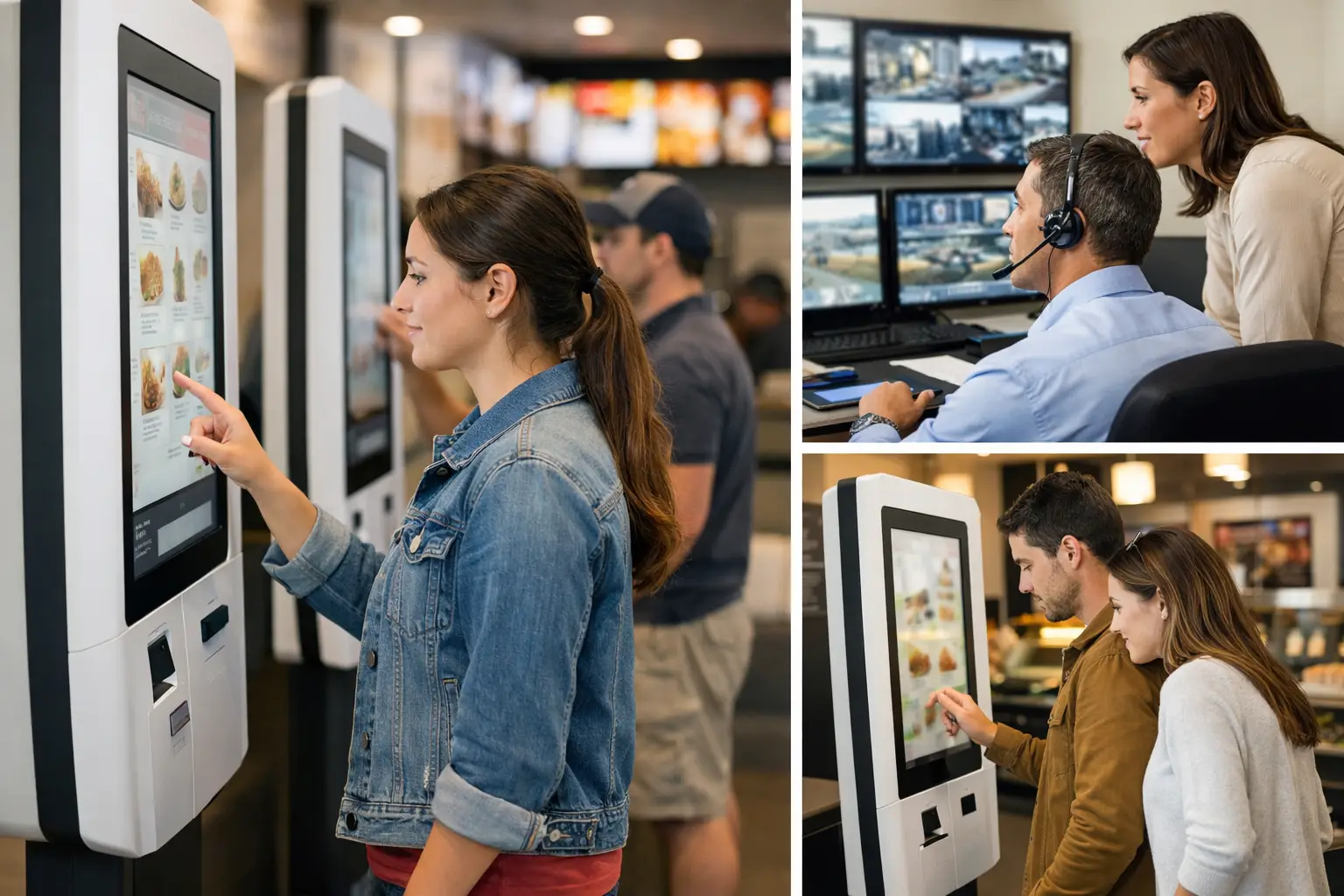
A kiosk that takes orders but displays an outdated menu, loses payment connectivity, or sends a ticket to the wrong production queue does not reduce pressure on the operation. It moves the problem out of sight. Self order kiosks deliver value when they are managed as part of a controlled transaction environment, with clear ownership of content, devices, integrations, and operational exceptions.
For restaurant groups, retailers, supermarkets, and service networks, the question is not whether customers will use a touchscreen. The more consequential question is whether the organization can operate hundreds or thousands of kiosks with the same governance it applies to point-of-sale, digital signage, and customer communications.
Why self order kiosks become an operations issue
The visible role of a self-order kiosk is straightforward: help customers browse, customize, pay, and submit an order without waiting for a cashier. The operational role is broader. Each kiosk is a customer-facing endpoint connecting menu data, product availability, pricing, promotions, payment services, order management, kitchen or fulfillment workflows, and support processes.
That architecture creates dependencies. A menu update may need to appear across several markets at a scheduled time. An unavailable ingredient needs to suppress related options before customers can select them. A payment terminal fault must be detected quickly, not discovered after a queue has formed. If a location changes its breakfast cutoff, the kiosk, digital menu boards, and ordering channels should follow the same business rule.
This is why isolated kiosk deployments often underperform after the pilot phase. The first few devices may work well with manual oversight. At scale, inconsistent content, fragmented support responsibilities, and limited device visibility create avoidable operational risk.
The technology requirement is therefore not just a kiosk interface. It is a management layer that provides centralized control, traceability, automation, and reliable execution across the physical network.
What a controlled kiosk architecture requires
A scalable deployment begins by treating the kiosk as one component in a governed environment. The hardware matters: commercial-grade displays, industrial touch components, printers, scanners, payment devices, and enclosure design all affect availability. But hardware alone cannot provide operational continuity.
A platform such as DEX Manager provides the control plane for the screen and device estate. It enables operations teams to manage kiosk content centrally, distribute updates by location or device group, schedule campaigns, monitor device status, and maintain an auditable record of what was deployed and when. This is particularly relevant for distributed organizations where local teams need flexibility without receiving unrestricted access to national or regional content.
Centralized menus with local control
Menu governance is one of the most common reasons to centralize kiosk operations. Enterprise teams need to control approved product data, visual standards, allergens, pricing logic, and promotional assets. At the same time, individual locations may need to respond to stock issues, local trading hours, or temporary operational constraints.
The practical answer is role-based control. A central team can publish the master menu structure and campaign rules, while authorized local managers can activate approved exception states, such as hiding an unavailable item or directing customers to another service point. The objective is not to remove local control. It is to ensure that local actions are visible, limited to the right scope, and reversible.
This model also improves traceability. When a customer reports an incorrect price or a missing product, operations should be able to confirm which version of the menu was live on that kiosk at that time. Without versioning and deployment records, resolution becomes a manual investigation across marketing, IT, operations, and the site.
Uptime requires active monitoring
Kiosks operate in environments that are physically demanding and commercially time-sensitive. Touchscreens receive continuous use. Printers run out of paper. Network conditions vary. Peripheral devices may disconnect. A device can appear powered on while a key application or integration has failed.
Remote monitoring changes the support model from reactive to managed. Device health data can identify offline screens, application errors, connectivity loss, or repeated peripheral faults. Support teams can prioritize incidents according to business impact: a kiosk at a high-volume location during peak trading hours has different operational criticality than a device in a low-traffic site.
Remote actions also matter. The ability to restart an application, update configuration, publish a fallback screen, or isolate a faulty device can restore service without waiting for a site visit. Not every issue can be resolved remotely, and a strong field-support process is still necessary. However, remote control reduces unnecessary dispatches and gives technicians better information before they arrive.
Integration determines whether the customer journey works
A self-service transaction is only as reliable as the systems behind it. For most deployments, self order kiosks need to exchange data with a point-of-sale platform, payment gateway, loyalty system, order management system, kitchen display system, inventory source, or ecommerce platform. The required integration pattern depends on the sector and existing technology estate.
In quick-service restaurants, the primary requirement is often accurate order routing and synchronization with kitchen production. In supermarkets, the focus may shift toward product lookup, barcode scanning, loyalty, and payment validation. In banks or corporate environments, a kiosk may support queue registration, appointment check-in, document capture, or service guidance rather than a conventional retail transaction.
The key governance question is what happens when an integration is unavailable. A well-designed kiosk experience defines fallback behavior in advance. It may remove payment-dependent actions, direct the user to a staffed counter, display a service message, or continue to provide nontransactional information. Allowing the interface to fail without a controlled response damages customer confidence and creates avoidable pressure on frontline teams.
Integration design should also establish clear data ownership. The kiosk interface should not become an uncontrolled source of product, price, or customer data. It should consume approved information from the designated system of record and log relevant transaction or event data for operational analysis.
Measuring performance beyond kiosk transactions
Transaction volume is useful, but it is not enough to determine whether a kiosk program is improving operations. Leaders need to understand its effect on queues, conversion, average order value, labor allocation, availability, and customer behavior.
A meaningful reporting model connects kiosk activity to the physical environment. For example, a high abandonment rate may indicate a confusing ordering flow, but it can also result from payment failures, missing items, long production times, or a poorly positioned kiosk. A lower cashier queue may be positive, unless it is accompanied by a growing queue at the pickup point.
Useful measures commonly include kiosk availability during trading hours, successful transaction rate, order completion time, payment failure rate, average basket value, exception frequency, and the time required to resolve incidents. The right mix varies by industry. The principle is consistent: measure the complete operating process, not only what happens on the screen.
Visual analytics and IoT sensors can add context where required. Footfall, dwell time, queue conditions, and device health signals help operators distinguish between a low-demand location and a kiosk experience that is creating friction. These inputs should support decisions, not create another disconnected dashboard.
Deployment choices that affect long-term reliability
A standardized hardware specification helps protect continuity, especially across a multi-region estate. Commercial displays, touch technology, thermal printers, payment peripherals, and enclosures should be selected for the expected usage pattern, maintenance model, accessibility requirements, and physical environment. A low initial hardware cost can become expensive when failure rates, spare parts, and service interruptions rise.
There is also a trade-off between standardization and local fit. A single kiosk format simplifies deployment, training, spares, and remote support. Yet a drive-through restaurant, a compact city location, and a large retail store may need different physical configurations. The better approach is usually a controlled hardware catalog: a limited number of validated configurations rather than a different design for every site.
Deployment governance should cover site readiness, network validation, peripheral testing, content approval, integration acceptance, staff training, and support handover. A kiosk is not operational because it has been installed. It is operational when the site can manage exceptions, customers can complete their intended task, and the central team can see its status.
Operating self order kiosks across a distributed estate
The organizations that gain the most from self order kiosks do not treat them as a one-time customer experience project. They build an operating model around them. That means assigning responsibility across technology, commercial teams, operations, and certified delivery partners; defining service levels; and using a central platform to maintain control total over what is running in the field.
DEX Manager can be deployed by SIA Interactive or a certified partner network, allowing the same software governance model to support different delivery routes. Its role is to give distributed teams a common operational view of kiosk content, device status, and deployment activity while supporting the scale and continuity expected in mission-critical physical environments.
The most useful next step is not selecting a screen size or designing a new interface. Map the customer journey against the systems, people, and exceptions required to keep it working during the busiest hour of the day. That exercise usually reveals whether the kiosk program is ready to scale - and where stronger control is needed first.