
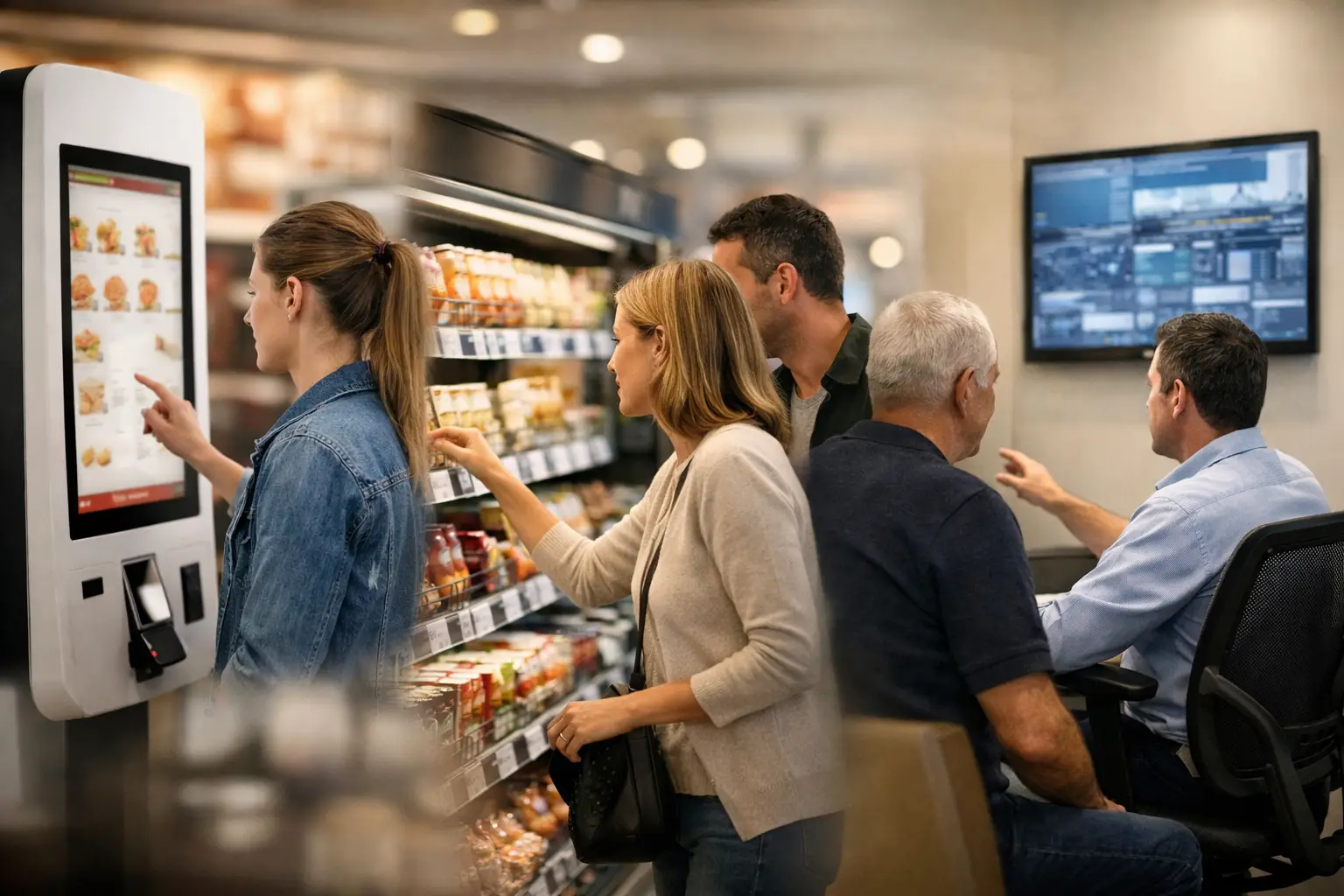
A display at a bank branch, a self-order kiosk in a restaurant, and a video wall in a control center may all need the same security patch. Treating that change as a simple file transfer creates unnecessary risk. Secure remote device updates are an operational control: they determine who can change an endpoint, what is deployed, when it is deployed, and how the organization proves that the intended result occurred.
For distributed physical networks, the update process affects more than cybersecurity. An unplanned restart can interrupt ordering, wayfinding, queue management, safety communications, or live operational monitoring. The objective is not to update every device as quickly as possible. It is to maintain control, traceability, and continuity while keeping the endpoint estate current.
Secure remote device updates are a governance issue
A local update process may be workable for a small pilot. It becomes difficult to govern when the estate includes hundreds or thousands of displays, kiosks, media players, cameras, sensors, or electronic labels across multiple sites. Devices may run different operating systems, use different network paths, and operate under different local conditions. Some are online continuously; others reconnect intermittently. Some can be restarted during business hours; others cannot.
This is why remote updates need an architecture, not just a remote-access tool. The platform must establish device identity, control administrator permissions, distribute approved packages, record actions, and report the post-update state. Without that chain of evidence, operations teams are left trying to reconcile spreadsheets, support tickets, and site-level reports after the fact.
The governance question is simple: can the organization demonstrate which software, configuration, and content version is running on every critical endpoint? If the answer depends on manual confirmation from each site, the estate is not under central control.
The difference between remote access and managed deployment
Remote access lets a technician connect to a device. Managed deployment controls change across a fleet. Both can have a role, but they solve different problems.
A managed deployment process starts with a defined package and a target group. It applies approval rules, schedules the release, monitors installation, and identifies exceptions. It also separates routine work from elevated actions. A content manager may publish approved media, for example, without receiving permission to change operating system settings or install software.
That separation matters in organizations where operations, IT, security, marketing, and facilities share responsibility for the same physical infrastructure. It reduces accidental changes and creates clearer accountability when an issue occurs.
What a controlled update process requires
Security depends on several controls working together. Encryption in transit is necessary, but it does not compensate for weak authorization, unverified packages, or no recovery plan. A controlled process should include the following elements.
- Authenticated device identity: Each endpoint must be recognized as a trusted device before it receives software, firmware, configuration, or content changes.
- Role-based access control: Permissions should reflect operational responsibilities, with elevated rights limited to authorized personnel and protected by appropriate approval flows.
- Approved packages and version control: Teams need confidence that the correct file is being deployed and that its source, version, and intended device group are known.
- Staged rollout and maintenance scheduling: A change should reach a controlled pilot group before broader deployment, with timing aligned to each site's operating requirements.
- Health monitoring and audit trails: The platform must record whether deployment succeeded, identify failed endpoints, and preserve a traceable record of actions and outcomes.
- Rollback planning: When a release causes a compatibility or performance issue, teams need a defined way to restore a stable version without visiting every location.
DEX Manager centralizes deployment control
DEX Manager is designed to manage distributed digital signage and physical-space endpoints from a central platform. It gives operations teams a structured way to organize devices, assign them to groups, deploy changes remotely, and monitor their operating status. The value is not simply that a command can be sent from a central console. It is that deployment can follow a repeatable governance model across a large estate.
A retailer, for example, may need different update windows for flagship stores, standard locations, and overnight distribution environments. A restaurant chain may need to avoid device restarts during lunch and dinner peaks. A control-room operator may require redundant screens to remain available while updates are applied sequentially. Device groups, schedules, and deployment rules allow each environment to be managed according to its actual operating constraints.
DEX Manager also supports the operational distinction between content, application, configuration, and device-level changes. That distinction is useful because the impact of failure is different in each case. A missed content update may affect a campaign. A failed application update may prevent orders, disrupt communications, or leave a screen unavailable at a critical moment.
The platform can be deployed by SIA Interactive or through a certified partner network, allowing organizations to apply the same central technology model while aligning delivery and local support with their procurement structure.
Design for exceptions, not only successful deployments
The dashboard view of a successful rollout can be misleading if it hides the devices that did not respond. Real estates contain exceptions: a site loses connectivity, a device has insufficient storage, a hardware model has a driver dependency, or a local configuration differs from the expected standard.
A mature update process treats exceptions as operational data. Devices that fail to update should be automatically identified, prioritized by business impact, and assigned to a resolution workflow. A kiosk at a high-volume site deserves a faster response than a low-priority screen in a back-office area. The platform should make that prioritization visible rather than relying on an inbox full of disconnected alerts.
This is also where standardization pays off. The more consistent the hardware profiles, operating system versions, network policies, and device configurations, the more predictable remote deployment becomes. Heterogeneous fleets can still be managed centrally, but they require more targeted testing and more careful segmentation.
Balancing security with continuity of operations
There is a common temptation to push urgent patches to every endpoint immediately. Sometimes that is the right decision, particularly when a credible vulnerability presents material risk. More often, organizations need to balance exposure against the risk of interrupting a business-critical service.
A staged release offers a practical middle ground. Start with representative devices from different hardware types, locations, and network conditions. Validate that the device reconnects, its application launches correctly, scheduled content resumes, and any connected peripherals continue to function. Only then expand the deployment group.
The definition of success should be more specific than “installed.” For a digital signage player, success may mean the new software version is present, the screen is online, the display is playing the intended content, and the device reports normal health. For a self-service endpoint, it may also include peripheral status, payment or order-flow dependencies, and application availability. Post-update validation must reflect the function the device performs.
Use cases where update discipline protects the business
The operational value of secure remote updates varies by sector, but the underlying need is consistent: distributed endpoints need to remain governed without creating avoidable site work.
In retail and supermarkets, controlled updates help keep promotional displays, price communication, and customer-information screens available across regional store networks. In quick-service restaurants, they support continuity for digital menu boards and self-order experiences while respecting peak trading periods. In corporate environments, they maintain reliable internal communications across reception areas, meeting spaces, and campus displays. In control rooms and security operations, disciplined change management protects the availability of visual information systems where downtime can affect decision-making.
Across each use case, remote deployment reduces dependence on local intervention. That does not eliminate the need for field support. It makes field support more targeted by reserving site visits for hardware faults, network issues, or verified exceptions rather than routine software maintenance.
Make update readiness part of the operating model
The strongest remote-update programs are established before the next urgent patch arrives. They document approved device baselines, define ownership for change approval, maintain pilot groups, and test rollback procedures while there is time to do so carefully. They also make reporting useful to both technical and executive stakeholders: security teams need evidence of compliance, while operations leaders need visibility into availability and unresolved exceptions.
For organizations managing physical endpoints at scale, the next change window is an opportunity to test more than a release package. It is an opportunity to test whether the organization has the governance, visibility, and recovery capability to keep critical devices working when conditions are less predictable.