
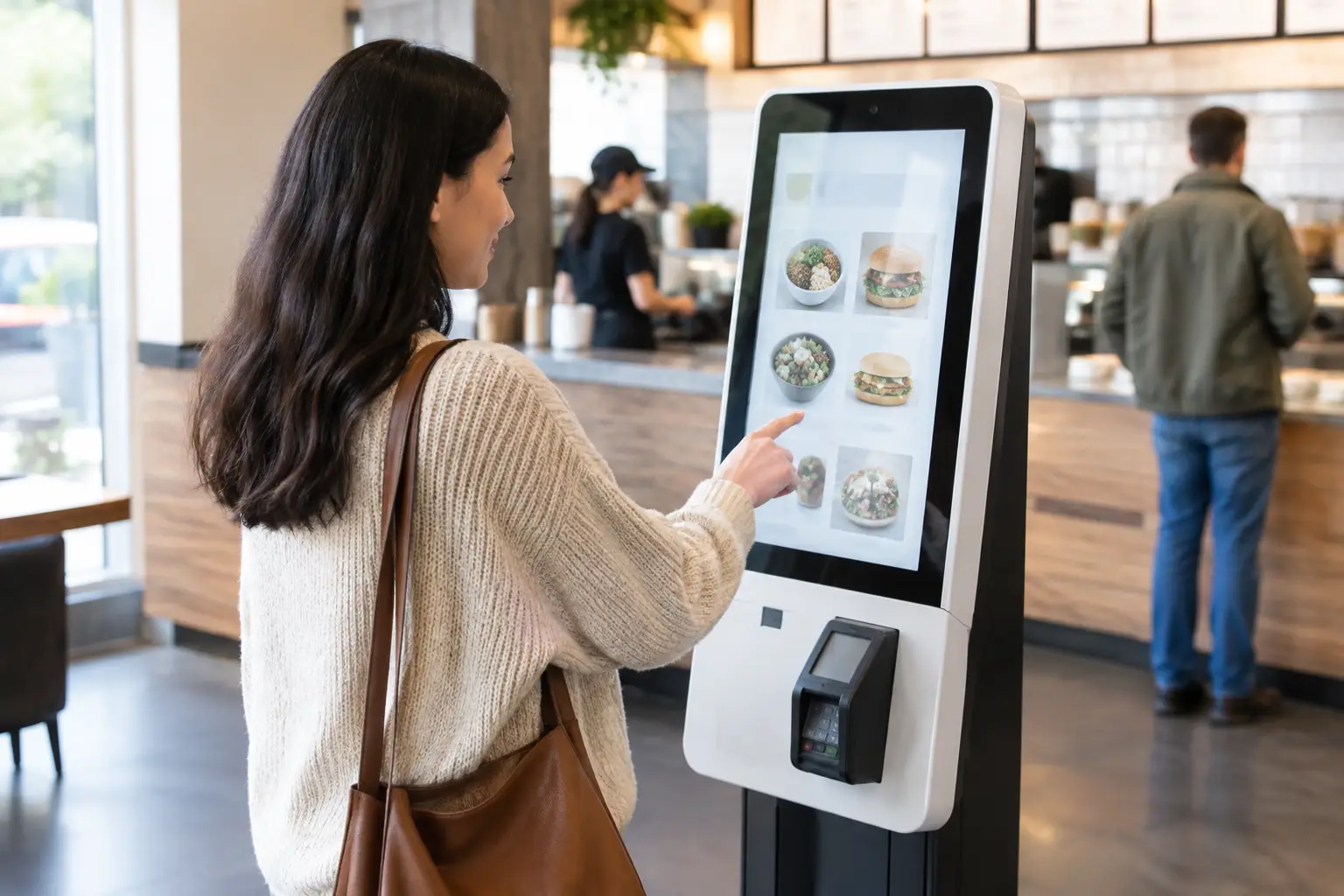
A kiosk order error rarely begins when a customer taps the wrong modifier. More often, it starts upstream: a menu item was not synchronized, an out-of-stock rule arrived late, a promotion was configured differently by region, or a payment-to-POS handoff failed without being visible to operations. To prevent kiosk order errors at scale, restaurant and retail operators need more than an attractive self-service interface. They need governed content, reliable integrations, and continuous visibility across the entire device estate.
For networks with dozens or thousands of locations, the kiosk is part of an operational architecture. It must reflect the current commercial offer, apply the right business rules, send an accurate transaction to downstream systems, and remain available during peak periods. Each weak point creates a different kind of error, with a direct impact on queue time, waste, refunds, customer trust, and staff workload.
Why kiosk order errors become an operational problem
A single incorrect order can be resolved at the counter. Repeated errors across a distributed network are a governance issue. The cost is not limited to the value of a remade item. Teams lose time investigating incidents, reconciling transactions, correcting price discrepancies, and responding to complaints that could have been avoided through better control of the order journey.
The most common failures fall into a few connected categories. Menu data can be inaccurate, unavailable products can remain selectable, customization logic can be unclear, and payment status can be mismatched with POS records. Device-level issues also matter. A frozen screen, an unresponsive peripheral, or a kiosk running outdated content can interrupt a transaction at exactly the point when a customer expects the system to be certain.
The right response depends on the source of failure. Better on-screen wording will not fix an unreliable inventory feed. A real-time integration will not solve a confusing modifier flow. Effective prevention starts by separating experience design issues from transaction, content, hardware, and operational-control issues.
Prevent kiosk order errors with governed menu data
The menu shown on a kiosk must be treated as controlled operational content, not as a static marketing asset. Prices, taxes, product availability, allergen information, combinations, and promotions all need defined ownership and approval rules. When local teams can make uncontrolled changes, regional consistency declines quickly.
A centralized platform such as DEX Manager provides the control layer for managing kiosk content across locations. Authorized teams can publish approved menu structures, schedule campaigns, target content by store group or market, and maintain a traceable record of what was deployed. This reduces the risk that a store displays an expired offer or that one site applies a different product configuration from the rest of the network.
Governance does not mean every location must look identical. Large operators often need local pricing, language, assortments, or daypart rules. The objective is controlled variation. Headquarters should define which elements are globally fixed, which are market-specific, and which can be adjusted locally. Templates and role-based permissions make that distinction practical without slowing routine operations.
Availability is particularly sensitive. If a product is unavailable, the kiosk should not allow a customer to pay for it. Depending on the architecture, this can be managed through integration with inventory, POS, kitchen, or order-management systems. Where real-time stock data is not feasible, defined fallback rules are necessary. For example, a location may disable a product manually through an approved workflow, with clear responsibility for re-enabling it.
Design the order flow for confirmation, not guesswork
Customers make mistakes when the interface asks them to interpret ambiguous choices. A modifier called “regular” can mean different things depending on the product. A meal builder that hides required selections until the final screen creates incomplete orders. An upsell that visually resembles a mandatory step can lead to disputed charges.
The most effective kiosk flows make each decision explicit at the moment it matters. Required choices should be clearly marked. Defaults should reflect the most common operationally valid selection, but customers must be able to change them without searching through the interface. Item names, images, modifiers, and prices must agree with the POS and kitchen language used by staff.
The final review screen is a valuable control point, but it should not be the first time a customer notices what they selected. Use it to confirm the basket, delivery method, table number where relevant, and total price. When an item has complex customizations, summarize them in plain language rather than relying on internal product codes.
There is a trade-off. Too many confirmation screens slow throughput and can create longer lines; too few increase the chance of accidental selections. The appropriate balance depends on the basket type. A quick-service breakfast order may need a faster route than a high-value customized retail transaction. Analyze where customers abandon, edit, or request staff assistance, then adjust the flow based on observed behavior rather than preference alone.
Make integrations observable from the start
A transaction is only accurate if all systems agree on its state. The kiosk may show payment approved while the POS does not receive the order. An order may reach the kitchen but omit a modifier. A loyalty discount may appear on screen but fail in the final transaction record. These are integration failures, and they need operational visibility.
Define the critical transaction states before deployment: basket created, order submitted, payment authorized, payment captured, POS accepted, kitchen accepted, receipt issued, and refund completed if required. For each state, establish which system is the source of truth and what happens when a downstream response is delayed or unavailable.
This is where C-Control can extend kiosk operations beyond screen management. By integrating physical devices, sensors, cameras, and operational triggers, it can support monitored workflows around the self-service environment. For example, a peripheral fault can generate an alert, a queue threshold can trigger additional service messaging, or a device status change can be surfaced to the control team. The goal is not to add technology for its own sake. It is to reduce the time between a fault occurring and the right team acting on it.
Integration monitoring should distinguish between a temporary delay and a failed order. Automatically resubmitting a transaction may be appropriate in one scenario and could create duplicate orders in another. Error-handling logic must be designed with payment, POS, kitchen, and customer-service teams together, with a documented recovery path for each case.
Monitor kiosk health before customers report it
Kiosk uptime has several layers. A device can be online while its printer is out of paper, its payment terminal is disconnected, its touch response is degraded, or its content is outdated. Network status alone is not enough to establish service availability.
Centralized remote management makes it possible to track device status, application health, content version, connectivity, and peripheral conditions across the fleet. Operations teams need alerts that are specific enough to support action. “Kiosk offline” is useful, but “payment terminal unavailable at location 42, kiosk 3” is far more actionable.
Alert design matters. If teams receive notifications for every short connectivity fluctuation, they will begin to ignore them. Escalation rules should reflect operational criticality: a failed payment terminal during lunch demand requires faster attention than a nonessential content update that did not deploy overnight. Managed monitoring, whether operated by an internal command center, SIA Interactive, or a certified partner, should include clear ownership, response expectations, and incident traceability.
Remote recovery also reduces disruption. Many software and content issues can be diagnosed, corrected, or rolled back without a site visit. Hardware faults still require field service, but accurate remote diagnostics allow the technician to arrive with the right information and, where possible, the right replacement part.
Build a deployment process that protects accuracy
A reliable kiosk network is tested as an operating system, not only as a screen experience. Before a new menu, promotion, software release, or integration change reaches every location, validate it in a controlled environment and then pilot it with representative stores. Include stores with different connectivity conditions, language requirements, operating hours, and POS configurations.
A practical release checklist should cover at least five areas:
- Menu, pricing, tax, and promotion rules match the approved commercial configuration.
- Required and optional modifiers create valid kitchen and POS records.
- Payment, receipt, refund, and timeout scenarios produce the correct customer and back-office outcome.
- Out-of-stock and system-failure behavior follows documented fallback rules.
- Device health, remote alerts, and rollback procedures work before broad deployment.
The strongest kiosk programs do not aim for a perfect interface on launch day. They establish the control, visibility, and release discipline needed to keep improving after the first transaction. When a customer reaches the payment screen, the operation should already know that the menu is current, the device is healthy, and the order can travel reliably through every system that follows.