
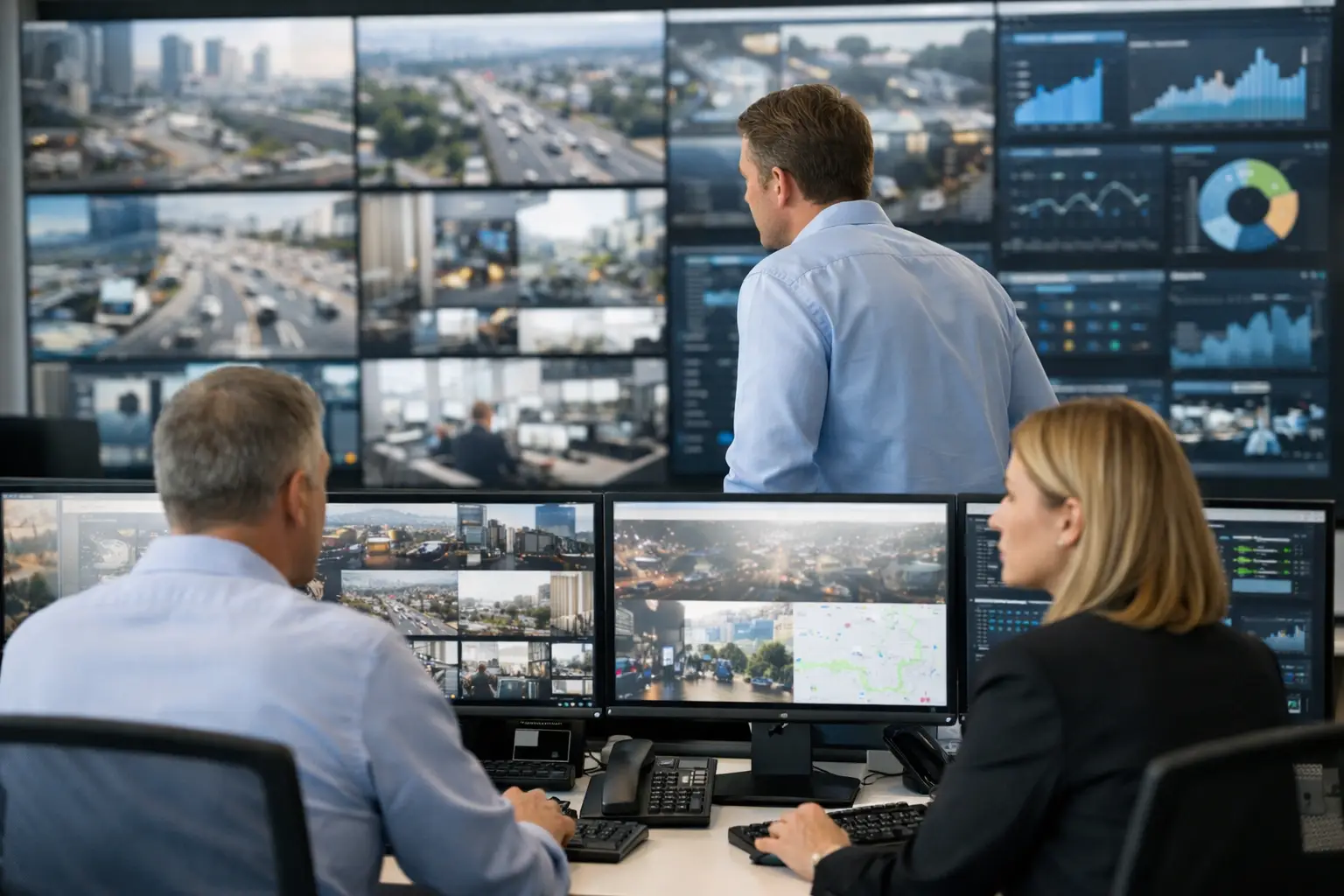
A control room rarely fails because operators lack screens. It fails when critical information reaches the wrong screen, arrives too late, requires too many manual actions, or cannot be traced after an incident. To optimize control room workflows, organizations need to treat the room as an operational system: people, data, visual communications, escalation rules, devices, and governance working from one controlled architecture.
For operators managing distributed facilities, transport networks, retail estates, security operations, utilities, or corporate campuses, the objective is not simply more visibility. It is faster, more consistent decisions under pressure, with continuity maintained even when sites, teams, or conditions change.
Why control room workflows become inefficient
Workflow friction typically develops gradually. A new dashboard is added for one team, a camera system is deployed by another, and incident messages are handled through separate channels. Over time, operators are expected to correlate data across disconnected applications, displays, and procedures. The result is avoidable cognitive load at the exact moment clarity matters most.
The most common operational gaps are not always technical failures. They include unclear ownership of screen content, inconsistent alert priorities, manual display changes, local device configurations that differ from central standards, and no auditable record of who changed what during an event. These gaps extend response time and create different operating conditions from one control room or site to another.
A modern workflow should distinguish between information that must be continuously visible, information that should appear only when a trigger occurs, and information that requires an operator decision. Without that distinction, a videowall becomes a crowded dashboard rather than a decision surface.
How to optimize control room workflows with governance first
Before selecting a display layout or adding automation, establish governance for every workflow that affects operational awareness. Governance answers practical questions: Which system is the source of truth? Who can publish content to a critical screen? What is the escalation path when a sensor, camera, or external platform reports an exception? Which actions require approval, and which can run automatically?
This work should produce a clear operating model. Define roles for operators, supervisors, technical administrators, and incident owners. Establish display priorities so that a critical safety alert can supersede routine KPI content without confusion. Set time limits for alerts and fallback content so a screen does not remain locked on an outdated event after the situation has changed.
Traceability is equally important. In mission-critical environments, teams need to know when content changed, which user or automated rule triggered it, and whether the target devices received the instruction. This record supports post-incident review, service management, and continuous improvement. It also reduces dependence on individual operator knowledge.
Governance should be consistent across the organization, but it does not need to make every room identical. A regional operations center may require local language, local camera feeds, and site-specific incident procedures. The central standard should define the architecture, permissions, security controls, and reporting requirements while allowing controlled local variation.
Build a single visual operations layer
Once governance is in place, the next requirement is a centralized visual operations layer. This is where C-Control is designed to operate. The platform enables teams to manage control room displays, videowalls, dashboards, media sources, and operational layouts from a centralized environment, rather than relying on local manual switching or isolated controllers.
The value is operational control, not just centralized publishing. Authorized users can define layouts by role, location, event type, or time of day. A standard operating view can show live camera streams, incident queues, weather or traffic feeds, system status, and corporate communications. When conditions change, the layout can change according to predefined rules instead of requiring an operator to rebuild the wall screen by screen.
This approach is particularly relevant for organizations operating multiple sites. A central team can apply approved visual standards across a network while local teams retain permission to manage the inputs and views relevant to their responsibilities. The balance matters: too much central control can slow local response, while too much local autonomy creates inconsistent operations and configuration drift.
The visual layer must also support hardware reality. Commercial displays, LED walls, workstations, video processors, cameras, and IoT devices each have different uptime expectations and management requirements. The platform architecture should provide device status visibility and remote control capabilities so that a failed display, offline player, or unavailable content source is identified before it creates an information gap during an incident.
Automate routine decisions, not critical judgment
Automation is one of the fastest ways to reduce workflow delays, but only when it is applied with discipline. Routine, repeatable events are strong candidates: showing a queue alert when threshold levels are exceeded, switching to a predefined emergency layout, activating local instructions based on a sensor event, or publishing a maintenance message to affected operational zones.
Critical judgment should remain with accountable people. An automated rule can surface the right camera group and incident checklist after an alarm, but it should not obscure the wider context an operator needs to assess the event. Automation that is too aggressive can create alert fatigue, hide exceptions, or trigger content changes that are technically correct but operationally unhelpful.
A useful design principle is to automate detection, routing, and presentation first. Automate final actions only where the business rule is stable, reversible, and clearly approved. For example, an integration can detect a temperature anomaly and present the relevant location, camera, and response procedure on designated displays. The operator then confirms the operational response using the organization’s established protocol.
Integrate the systems that shape the response
Control room performance depends on context. A security alarm without a camera feed, floor plan, access-control record, or maintenance status forces the operator to search for information across systems. Integration reduces that search time by bringing the inputs needed for a decision into one managed visual environment.
The appropriate integration set depends on the operation. Security centers may connect video management, access control, intrusion alarms, and visitor systems. Facilities teams may prioritize building management systems, energy data, IoT sensors, and maintenance platforms. Retail and restaurant operations may monitor queue indicators, kiosk availability, order status, refrigeration alerts, and digital customer communications.
Not every data source belongs on the main wall. High-volume information can be available on secondary operator screens or called up on demand. The main display should focus on exceptions, shared awareness, and the specific information that enables coordinated action. This reduces visual noise and preserves the wall’s value during peak operational demand.
Integration also requires clear ownership. IT teams should define authentication, network segmentation, and API management. Operations leaders should define the business rules behind each workflow. Platform owners and certified delivery partners can then configure the solution against a documented operational design rather than a collection of informal requests.
Measure workflow performance beyond screen uptime
Display uptime is essential, but it is not the full measure of control room effectiveness. A wall can be online while the wrong content is shown, an alert is delayed, or a critical device is unavailable. Organizations should track indicators that connect the technology to the operational process.
Useful measures include time from event detection to visual presentation, time to acknowledge and assign an incident, percentage of automated workflows completed successfully, number of manual interventions per event, device availability by location, and compliance with approved layouts and permissions. Post-incident analysis should examine whether operators had the right context at the right time, not simply whether the systems remained powered on.
These metrics reveal where investment will have the greatest impact. If incidents are detected quickly but escalated slowly, workflow routing may need improvement. If central teams cannot confirm display status across sites, remote monitoring and device management may be the priority. If operators continually override automated layouts, the underlying rules may not reflect real working conditions.
Design for continuity, not the ideal day
The most credible control room workflows are designed around disruption: a network outage, a loss of an input source, a regional incident, a shift change, or a sudden surge in alarms. Continuity planning should define fallback layouts, alternative content sources, local operating procedures, and tested recovery steps.
Cloud-based central management can support scale and remote governance, while local resilience may still be necessary for sites that cannot lose critical visibility during connectivity interruptions. The right architecture depends on operational criticality, network conditions, and the consequence of losing access to specific information. There is no single configuration that fits every environment.
A controlled rollout is often more effective than a large one-time deployment. Start with a workflow that has a measurable operational problem, such as incident escalation or remote site status visibility. Validate the integration, permissions, automation rules, and operator experience. Then expand the standard across additional rooms and locations with the evidence needed to support governance decisions.
The best next step is to map one real incident from detection to closure and identify every manual handoff, missing data point, and unverified screen change. That map gives technology, operations, and delivery teams a shared basis for building a control room that remains clear when conditions are not.