
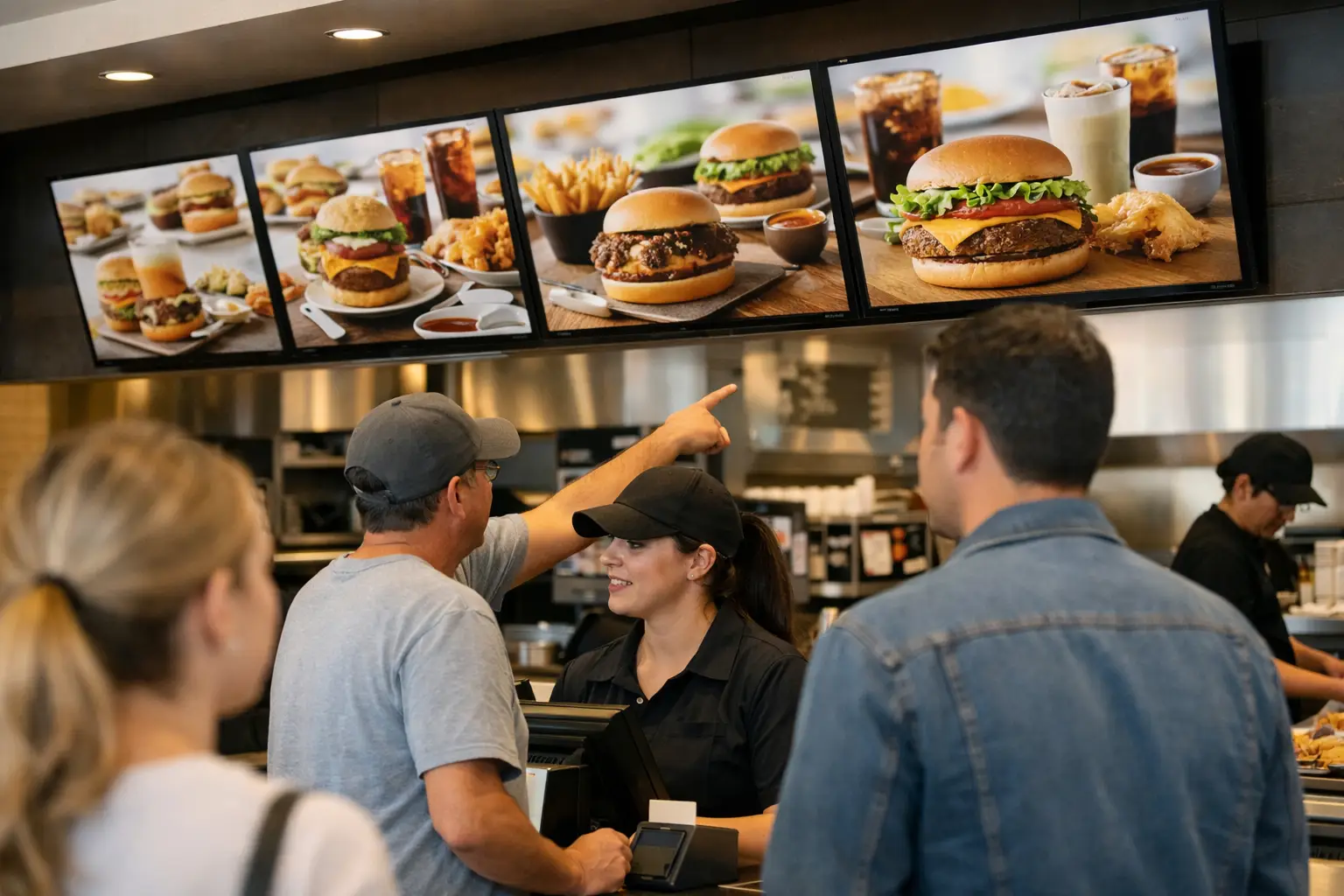
A menu board can be visually complete and still fail at the point of sale. A price update may not reach every location, a screen may lose network access during a breakfast promotion, or a local team may not know who owns first-line recovery. A disciplined menu board deployment checklist turns those risks into defined controls before the first screen goes live.
For restaurant chains, supermarkets, and other high-volume foodservice environments, menu boards are an operational system, not a creative asset. They influence queue flow, margin protection, promotional compliance, and customer confidence. The deployment process must therefore cover governance, physical installation, content logic, integrations, and ongoing observability.
Define deployment governance before selecting locations
The first deployment decision is not screen size or mounting height. It is ownership. Every rollout needs named accountability for menu content, pricing approval, IT connectivity, site readiness, hardware support, and incident escalation. Without this model, regional teams can make well-intentioned local changes that weaken brand consistency or introduce pricing discrepancies.
Establish which content is centrally controlled and which elements can be localized. A national campaign may require locked creative and mandatory publishing windows, while store-level managers may be allowed to activate approved daypart messages or temporary out-of-stock notices. The governance model should include approval paths, publishing permissions, rollback authority, and an audit trail for every material change.
DEX Manager supports this control model through centralized device and content management. Teams can organize locations into operational groups, assign permissions by role, schedule content by date and time, and verify what is playing on each endpoint. This matters when the estate moves from ten sites to hundreds: manual confirmation and informal messaging do not scale into reliable governance.
A rollout also needs deployment criteria for pilot sites. Choose locations that represent the conditions the program will encounter - high-traffic restaurants, lower-bandwidth sites, drive-thru operations, mall locations, and sites with extended operating hours. A pilot that only validates a convenient flagship location produces limited operational evidence.
Menu board deployment checklist: validate the site architecture
Site readiness should be verified against documented standards, not assessed by appearance alone. A clean wall and an available power outlet do not confirm that a site can support commercial displays, media players, network equipment, and service access over the required lifecycle.
Before installation, validate these four areas:
- Power and mounting: Confirm dedicated power capacity, approved mounting surfaces, cable routing, ventilation, display orientation, and safe access for maintenance. Commercial displays need operating conditions that match their duty cycle and thermal requirements.
- Network and security: Confirm the available connection type, bandwidth, firewall rules, DNS configuration, device authentication, and the route used for remote monitoring. Where a separate VLAN is required, it should be provisioned and tested before site work begins.
- Viewing conditions: Review customer sightlines, ambient light, reflection, font size, color contrast, menu density, and distance from the ordering point. The most accurate menu is ineffective if customers cannot read it while queuing.
- Physical and operational constraints: Document delivery windows, landlord approvals, food safety constraints, ceiling access, site contacts, and any work that must occur outside trading hours.
For complex sites, C-Control can extend the deployment architecture beyond media playback. It can coordinate connected devices, sensors, cameras, or operational triggers when menu communication is part of a broader physical-space workflow. The relevant question is not whether every site needs automation. It is whether the customer journey or kitchen operation depends on a condition that should trigger a controlled response.
Build content around operational rules, not static layouts
Menu content needs a data model. Product names, prices, calorie information where required, modifiers, availability states, campaign assets, and daypart rules should be governed as structured inputs wherever possible. Treating every update as a manually edited screen layout creates unnecessary risk, especially where product assortments or regional pricing vary.
Document the rules that determine what appears and when. Breakfast content may switch at a fixed local time, while lunch promotions may depend on inventory, a campaign calendar, or a store-specific exception. The more rules are automated, the more important it becomes to define precedence. If a product is unavailable, does an out-of-stock message override a scheduled promotion? If a local price differs from the regional standard, which source takes priority?
The answer depends on the integration landscape. Some organizations require the menu board to receive approved pricing from a point-of-sale or product information system. Others begin with centrally managed content and add integrations after operational processes are stable. Neither approach is automatically better. A phased approach can reduce launch risk, provided teams do not mistake a manual process for a permanent operating model.
Content acceptance should test more than visual quality. Check prices, legal text, language variants, image-to-product alignment, timing, fallback content, and transition behavior. Test the actual display resolution and viewing distance, not only a desktop preview. A design that works in a review meeting can fail when displayed above a counter under direct lighting.
Commission devices with evidence of readiness
A device is not commissioned because it powers on. It is commissioned when it is identifiable, secure, remotely manageable, playing the approved content, and able to recover predictably from expected failures.
Each endpoint should be registered with a consistent naming convention that connects the device to its location, zone, screen purpose, and hardware identity. Capture serial numbers, network details, installed software version, display configuration, photographs of the final installation, and local support contacts. This record is essential when a regional operations team needs to identify a failed screen during trading hours.
DEX Manager provides a central operating view for this stage: device status, proof of playback, remote content publishing, and the basis for exception management across the network. A control team should be able to distinguish between a screen that is offline, a player that is online but not rendering content, and a display with a local hardware fault. These conditions require different responses and should not be grouped as a generic "screen issue."
Test failure conditions deliberately. Disconnect the network, restart the player, interrupt power where it is safe to do so, and confirm the defined recovery behavior. Verify cached content, restart procedures, alert routing, and the maximum acceptable time to restore service. For a drive-thru or high-throughput site, the tolerance for an unavailable menu board may be materially lower than for an internal staff communications screen.
Prepare the operating model before launch day
The first week after launch is when hidden gaps appear. Store managers may need to report a physical fault, marketing teams may request urgent campaign changes, and IT may need to investigate a network policy that affects only one location. If these workflows are not agreed in advance, the program becomes dependent on individual knowledge rather than a repeatable service model.
Define incident categories and service targets. A blank primary menu screen, incorrect pricing, a failed promotional screen, and a minor alignment issue have different business impact and should have different escalation paths. Include an out-of-hours process for critical locations, a clear route to replacement hardware, and a procedure for publishing approved emergency content.
Training should be role-specific. Store teams need simple guidance on basic checks and reporting evidence. Marketing users need controlled publishing procedures. Technology and operations teams need access to device health, change records, and escalation data. A certified partner can deliver the physical rollout and local support model, while the platform remains centrally governed through DEX Manager.
After launch, review performance as an operational program. Measure device availability, content compliance, incident frequency, mean time to restore service, and the percentage of scheduled changes that publish correctly on the first attempt. Where possible, compare queue times, promotional uptake, and ordering behavior against the original business case. Not every location will produce the same result, and that variation is useful evidence for refining layouts, content rules, and hardware standards.
The practical value of a checklist is not that it prevents every fault. It creates traceability when conditions change, makes accountability visible, and gives operations teams a controlled way to improve the network without putting continuity at risk.