
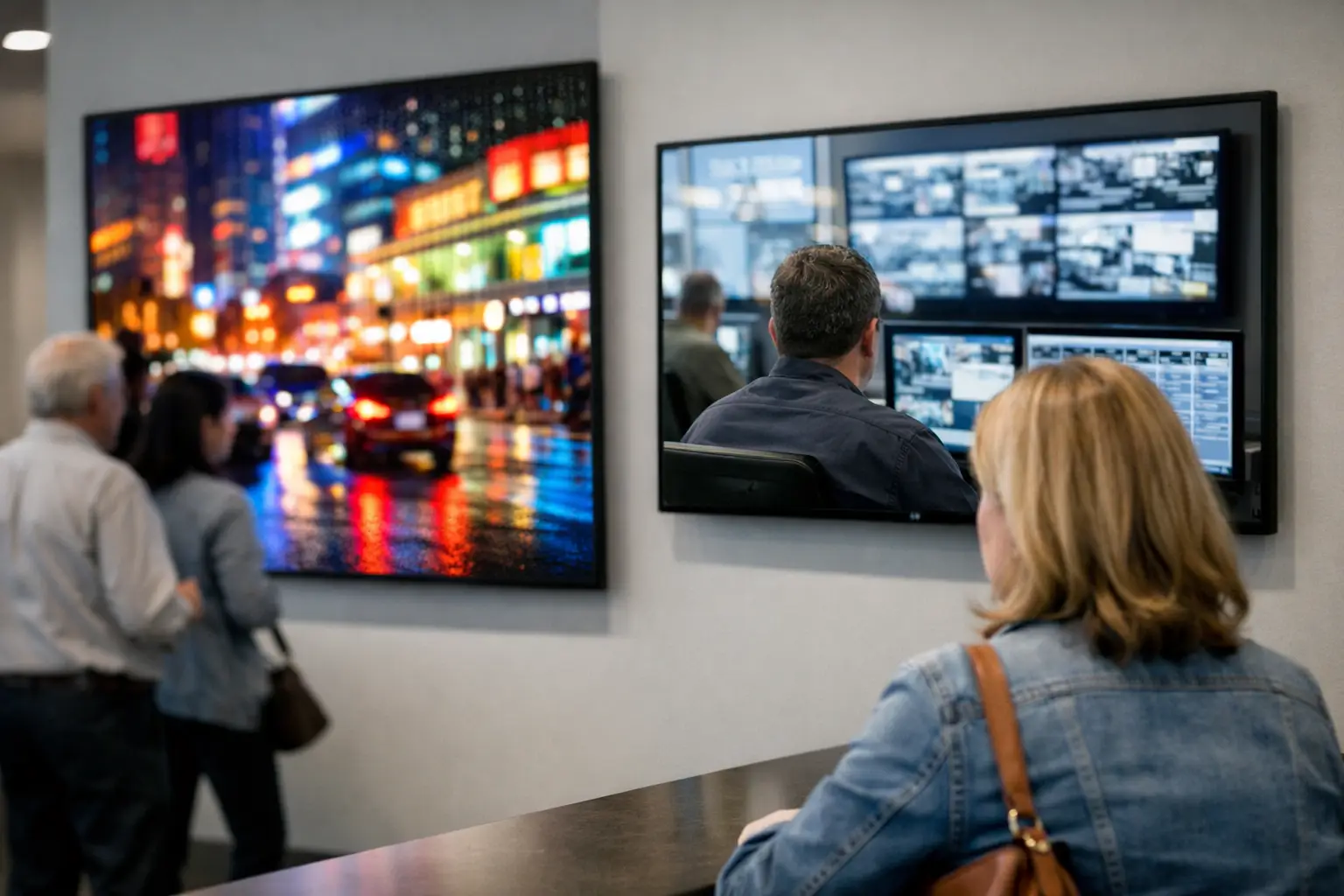
A display decision made from a specification sheet can create years of operational friction. LED versus LCD displays is not simply a question of which screen looks brighter in a showroom. For a retailer, restaurant chain, bank, corporate estate, or control center, the choice affects viewing distance, installation constraints, power planning, content design, service access, and continuity of communication across every location.
The first issue is terminology. Many commercial displays sold as "LED" are LCD panels with LED backlighting. They are not the same technology as direct-view LED, where individual light-emitting diodes form the image itself. Treating these categories as interchangeable can lead to the wrong hardware architecture and an avoidable mismatch between the display and the operating environment.
LED Versus LCD Displays: The Operational Difference
An LCD commercial display uses a liquid crystal panel to control light from a backlight. Modern commercial LCDs typically use LED backlighting, which is why product descriptions often shorten the term to LED display. The result is a flat-panel screen with high pixel density, accurate detail at close range, and a familiar range of sizes for indoor deployment.
A direct-view LED display has no LCD panel or backlight. Its image is created by many LED modules, each containing red, green, and blue diodes. Modules join to create large-format canvases in custom dimensions. This architecture supports very high brightness and scale, but it also introduces considerations around pixel pitch, module calibration, structural design, and front or rear service access.
For operations teams, the distinction matters because these technologies fail, scale, and are maintained differently. An LCD screen is generally managed as a discrete endpoint. A direct-view LED wall is a system of cabinets, modules, power supplies, receiving cards, controllers, and signal paths. Both can be reliable, but they require different governance models.
When LCD Is the Better Fit
LCD is usually the more practical option when people will stand close to the screen. Menu boards, meeting-room displays, digital shelf communication, employee communications, wayfinding screens, and standard retail signage benefit from the fine pixel density available in commercial LCD panels.
It is also suitable where content is designed in familiar resolutions and deployed to many sites in repeatable screen sizes. A 55-inch or 75-inch commercial display can be specified, commissioned, monitored, and replaced with a predictable process. For distributed networks, this consistency simplifies asset records, content templates, and spare-unit planning.
LCD has limits. Brightness varies by model, and not every commercial screen is suitable for window-facing use or intense ambient light. Large LCD videowalls also retain bezel lines between panels, even when narrow-bezel products reduce their visibility. Where one uninterrupted canvas is essential, LCD may impose a visual compromise.
When Direct-View LED Is the Better Fit
Direct-view LED is designed for scale, impact, and high ambient-light environments. It is often the appropriate choice for retail façades, flagship-store windows, transportation environments, large corporate lobbies, command-and-control visualization, stadium-facing communication, and high-traffic public spaces.
Its primary strengths are brightness, flexible dimensions, and a bezel-free image. A video wall can be built to match an architectural opening rather than being constrained by fixed panel sizes. For content that must be seen from distance or compete with sunlight, that flexibility has direct commercial value.
However, pixel pitch determines whether the investment performs as expected. Pixel pitch is the distance between LED pixels, expressed in millimeters. A smaller pitch delivers a sharper image at close viewing distances, but it increases cost and can raise power and thermal requirements. Selecting an ultra-fine pitch for a wall viewed mostly from 30 feet away can add cost without producing a meaningful audience benefit. Conversely, a coarse pitch in a lobby where visitors stand nearby can make text and faces appear fragmented.
The relevant measure is not maximum resolution. It is the relationship between pixel pitch, content type, and the nearest practical viewing distance.
Evaluate the Environment Before the Hardware
The right display technology starts with the communication task. A menu board read from a counter queue, a pricing message seen through storefront glass, and a control-room dashboard reviewed by operators have very different requirements.
Brightness is one variable, but not the only one. Ambient light, viewing angle, dwell time, mounting position, network availability, and local service conditions all influence the final architecture. A bright screen in the wrong location still fails its purpose if reflections obscure critical information or if the message is too dense for the viewing distance.
Operational hours deserve equal attention. A screen used for a few hours each day has a different thermal and lifecycle profile from one operating continuously in a control room or 24/7 retail environment. Commercial-grade hardware is specified for defined usage patterns, while consumer hardware generally lacks the warranty, remote-management features, and duty-cycle assurance required in managed estates.
For direct-view LED, teams should also assess structural loading, ventilation, electrical circuits, controller redundancy, and access for maintenance. The wall may look like a single display to the audience, but its reliability depends on each underlying component and on a documented response process when a module or controller requires attention.
Control, Monitoring, and Content Governance
Hardware selection does not by itself produce a dependable display network. The visible screen is the final layer of a broader operating architecture: device provisioning, content approval, scheduling, health monitoring, alerting, incident response, and auditability.
This is particularly relevant when organizations operate across regions, business units, or franchise models. A local team may need the authority to publish store-specific content, while central marketing retains brand control. Operations may need immediate visibility into device status, while IT requires access governance and traceability. These are platform requirements, not features solved by the panel alone.
DEX Manager provides centralized control for digital signage networks, including content distribution, scheduling, remote device oversight, and operational status monitoring. It enables LCD displays, LED walls, videowalls, kiosks, and other endpoints to be managed within a controlled environment rather than as isolated screens. Deployment can be led by SIA Interactive or a certified partner, with the same platform governance supporting the operating model.
For high-availability environments, monitoring should identify more than whether a player is online. Teams need visibility into playback status, connectivity, screen behavior, proof of display where required, and the distinction between a content issue, a network issue, and a hardware fault. That context shortens incident resolution and prevents local teams from making unnecessary site visits.
Content governance changes by technology as well. LCD deployments commonly use standardized portrait or landscape templates across fixed screen formats. Direct-view LED can require custom canvas dimensions, nonstandard aspect ratios, and content safety zones that account for physical sightlines. The larger the canvas, the more important it becomes to establish rules for typography, motion, contrast, and emergency-message priority before publishing begins.
Practical Use Cases by Display Type
In quick-service restaurants, LCD menu boards are often effective for close-range ordering information, while direct-view LED can support drive-thru messaging or externally visible promotional communication. The operational requirement is fast content scheduling by daypart, product availability, and location, not merely image quality.
In retail, commercial LCD is well suited to category screens, end-cap messaging, fitting-room communication, and staff areas. Direct-view LED is frequently justified for storefront attraction, campaign launches, and large immersive spaces where a continuous image changes how customers perceive the environment.
In financial services and corporate environments, LCD can serve branch communications, meeting spaces, internal channels, and detailed information displays. Fine-pitch LED may be appropriate for executive briefing rooms or command centers, but only where the viewing distance and data-visualization requirement support the added complexity.
For control rooms, the decision often depends on the operational need for detail, scale, and resilience. LCD videowalls can provide dense information visibility with defined panel boundaries. Direct-view LED removes bezels and can create a large shared operational picture, but the design must account for redundancy, calibration, and service procedures. Neither option is automatically superior without a clear assessment of operator workflows.
The strongest specification is not the brightest, largest, or newest display. It is the one whose physical characteristics, management platform, content model, and maintenance process align with the communication task. When those elements are planned together, the display network becomes a controlled operational asset rather than a collection of screens waiting for local intervention.