
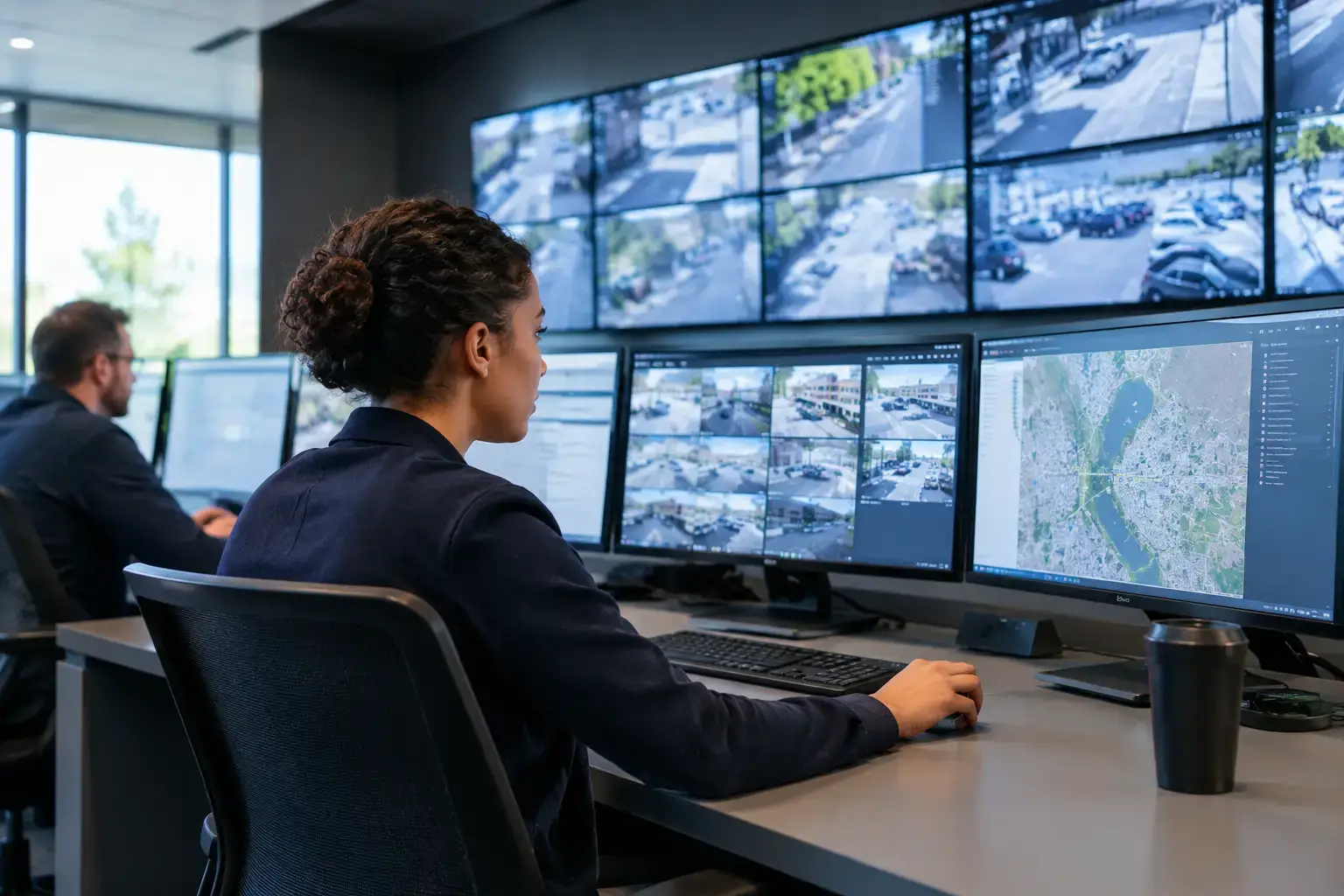
A control room can have the right displays, cameras, maps, and operational systems yet still lose time when operators must move between disconnected interfaces. A useful command software review starts with that reality: the platform is not simply a display layer. It is the operating environment that determines how quickly teams can assemble context, recognize exceptions, and coordinate action.
C-Control is designed for this requirement. It provides configurable views and multi-source visualization for command centers that need a unified operational picture without forcing every source system into a single application. For operations, security, facilities, and infrastructure teams, the evaluation question is whether the software can turn dispersed data into an interface that supports their actual decisions.
What command software should control
Command and control software should give operators control over what is visible, where it appears, who can change it, and how information is presented across workstations and shared visualization surfaces. That scope goes beyond placing a camera feed or dashboard on a videowall.
A capable platform brings together sources such as video management systems, building management platforms, IoT sensors, maps, alerts, operational dashboards, and business applications. It should allow teams to configure layouts around a task, a site, or an incident type. A facilities operator may need energy alerts, floor plans, and occupancy data in one view. A security supervisor may prioritize cameras, access events, and incident status. The same control room does not need to look identical for both roles.
This is why configurable views matter. They create a repeatable operational workspace instead of leaving each shift to rebuild context manually. In a command environment, consistency supports faster handovers, clearer responsibilities, and stronger traceability.
Command software review: the criteria that matter
A credible command software review should examine workflows rather than compare feature lists in isolation. Many platforms can display multiple sources. The differentiator is how they manage the pressure points of daily operation: source changes, alarm conditions, room layouts, user permissions, and recovery after a disruption.
Multi-source visualization without losing context
The first assessment area is visualization architecture. Ask whether the platform can present different content types within a single configurable view, including live video, web applications, maps, sensor data, dashboards, and custom data integrations. Also assess whether operators can switch layouts quickly and send selected content to shared displays when escalation requires team visibility.
More sources are not inherently better. A screen wall filled with unrelated data can hide the one event that needs attention. The useful test is whether operators can create views that preserve priority and context. A platform should make it practical to reserve screen space for critical alerts while keeping supporting data immediately available.
C-Control supports configurable views and multi-source visualization so teams can organize information by operational role, location, process, or escalation level. This is particularly relevant where a control room combines legacy systems with newer cloud applications. The objective is not to replace every source platform. It is to coordinate their visibility within a controlled environment.
Integration depth and ownership
Integrations require close scrutiny. Some vendors describe a browser window, a screen capture, or a one-way feed as an integration. Those options can be useful, but they offer different levels of interaction and reliability. A review should identify whether each required system is connected through an API, a supported connector, a web interface, a data feed, or a custom development path.
This distinction affects governance and continuity. API-based data can support structured updates and defined error handling. A browser-based application may be suitable for visual access but depend on authentication behavior, page changes, or network availability. Neither method is automatically wrong. The right architecture depends on the criticality of the source and the action operators need to take.
Document ownership for every integration. Establish who maintains credentials, who validates changes after a source-system update, and what happens when a feed becomes unavailable. In mission-critical deployments, integration governance is as significant as the visual design.
Governance, permissions, and operational traceability
Control rooms need controlled flexibility. Operators should be able to access the views required for their shift, while administrators retain authority over templates, content sources, display configurations, and user access. Without this structure, a useful workspace can gradually become inconsistent, difficult to support, and vulnerable to unauthorized changes.
Review whether the platform supports role-based access and whether configuration changes can be managed through defined processes. Consider how it fits with existing identity, network, and security requirements. For enterprise deployments, security posture should be assessed alongside operational capability, including the hosting architecture, data flows, access management, and support model.
SIA Interactive operates C-Control within an enterprise technology framework that includes ISO 27001 and ISO 9001 certifications, Azure-certified infrastructure, and global 24/7 operational support. These capabilities are relevant when the command platform forms part of a continuity plan, not only a local visualization project.
Device and display orchestration
The software evaluation must extend to the physical environment. A control room view is only useful if it reaches the correct workstation, video wall, or display surface and remains available throughout operation. Review how the platform manages screen assignments, display status, content routing, and monitoring of connected devices.
This is where command software and digital experience software can intersect. DEX Suite is oriented toward centralized management of digital signage, content scheduling, screen and device monitoring, and communication across distributed locations. C-Control is focused on multi-source operational visualization for control room environments. Organizations with both needs may require a coordinated architecture, but they should not assume one workflow serves both purposes. Public-facing messaging and operator decision support have different governance models, timing requirements, and measures of success.
Test the platform using real operational scenarios
A demonstration built around generic dashboards rarely exposes the limitations that appear during live operations. Ask vendors to configure scenarios based on actual sources, users, and escalation patterns. Four tests are especially revealing:
- An alarm from an IoT sensor or security system requires the operator to bring up the relevant camera, map, and procedure view.
- A supervisor needs to change a shared videowall layout while preserving individual operator workspaces.
- A source application becomes unavailable, and the team must identify the failure without confusing it for a normal operational condition.
- A new site or operational function is added, requiring new user roles, views, displays, and source connections.
Consider scale as an operating model
Scale is not only a count of screens or data sources. It includes the number of sites, users, operating hours, integrations, layout variations, and support handoffs. A small security room with a stable camera estate has different needs from a regional operations center coordinating infrastructure across multiple locations.
Ask how the architecture handles expansion. Can new views be created from approved templates? Can devices be monitored centrally? Is the platform deployed in a way that aligns with network segmentation and cloud strategy? What level of partner or vendor support is available outside business hours? Clear answers reduce the risk of building a compelling pilot that becomes difficult to govern at enterprise scale.
Hardware also belongs in the plan. Commercial displays, LED walls, workstations, video processors, sensors, and cameras must be selected and configured around the operating model. Software cannot compensate for displays that lack the right resolution, placement, redundancy, or monitoring. Equally, premium hardware cannot create operational value if the command platform does not give teams a clear, manageable way to organize information.
Choose for the decisions your operators make
The strongest command software review ends with a decision model, not a feature score alone. Weight each requirement by operational impact: visualization clarity, integration method, access governance, device control, resilience, maintainability, and support coverage. Involve the people who will run the room, the IT team responsible for architecture and security, and the leaders accountable for continuity.
The result should be a platform that gives operators a controlled view of the information they need at the moment it matters, while giving the organization a sustainable way to manage change. That is the practical standard for command software: not more screens, but better command of the environment behind them.