
A promotion changes at 12:00 p.m., but the menu board still shows the morning price. The point-of-sale terminal is correct, the screen is not, and frontline staff must explain the difference to every customer in line. This is the practical reason leaders ask: can signage integrate POS systems? Yes, but a dependable result requires more than passing price data from one platform to another. It requires a governed architecture that defines which system owns each data point, when changes take effect, and what happens when connectivity is interrupted.
For restaurant groups, retailers, supermarkets, and banks operating distributed locations, POS integration turns digital signage from a scheduled communications channel into an operational display layer. Prices, availability, promotions, transaction states, and queue information can be reflected on the right screen with traceability and control.
Can Signage Integrate POS Systems Without Creating Risk?
It can, provided the integration is designed around operational responsibility rather than visual output alone. A POS system remains the source of truth for transactions, product catalogs, pricing rules, and stock-related conditions. The signage platform receives approved data and applies presentation logic: which products appear, in what order, in which language, on which screens, and under what conditions.
That separation matters. If a content user can manually overwrite a price on a menu board without governance, the organization has created a compliance and customer-service risk. If every minor POS field is exposed directly to screen templates, a routine POS update can break the display experience across hundreds of locations. The integration should therefore use a controlled data model, validated mappings, and rules for exceptions.
DEX Manager provides this control layer for digital signage networks. It can connect approved POS data feeds to centrally managed screen templates, while retaining the operational controls needed for multi-site deployment. Content and data logic can be segmented by region, store format, screen type, daypart, or campaign, rather than managed as isolated files at each location.
What a POS-to-Signage Architecture Should Do
The most useful integrations are event-aware, not simply periodic imports. A scheduled catalog feed may be sufficient for weekly retail pricing, but it is inadequate for a quick-service restaurant where an item becomes unavailable during a lunch rush. The correct approach depends on the business process and the acceptable delay between a POS change and its visible effect.
A production architecture typically includes the POS or commerce platform, an integration service or API layer, the digital signage content management platform, player devices, and commercial displays. Each layer needs a defined role. The POS owns commercial data. The integration layer translates and validates it. DEX Manager applies business and display rules. The player caches approved content locally so the screen can continue operating if a branch loses its external connection.
This design supports continuity of operations. A temporary network interruption should not leave screens blank or force staff to substitute printed materials. Instead, the player should continue presenting the most recent approved content, while the platform records the device state and restores synchronization when connectivity returns. The acceptable fallback behavior should be agreed in advance. In some environments, showing the last confirmed price is appropriate; in others, a predefined contingency message is safer.
Data Mapping Is Where Most Projects Succeed or Fail
A product ID is not yet a customer-facing menu item. It may need a name, image, nutritional notice, price, availability status, modifier logic, and language variant. Those elements must be mapped deliberately between systems.
For example, a restaurant may use POS data to control the current price and availability of a meal, while DEX Manager controls the image, layout, legal footer, upsell position, and daypart-specific creative. A grocery operation may connect electronic shelf label data and POS pricing through the same approved product hierarchy, but use large-format displays to communicate category promotions or queue conditions.
The goal is not to display every available field. It is to expose the fields that have an operational purpose, validate their format, and establish a clear owner for each one. This reduces incorrect displays and makes incident investigation faster when an exception occurs.
High-Value Use Cases by Operating Model
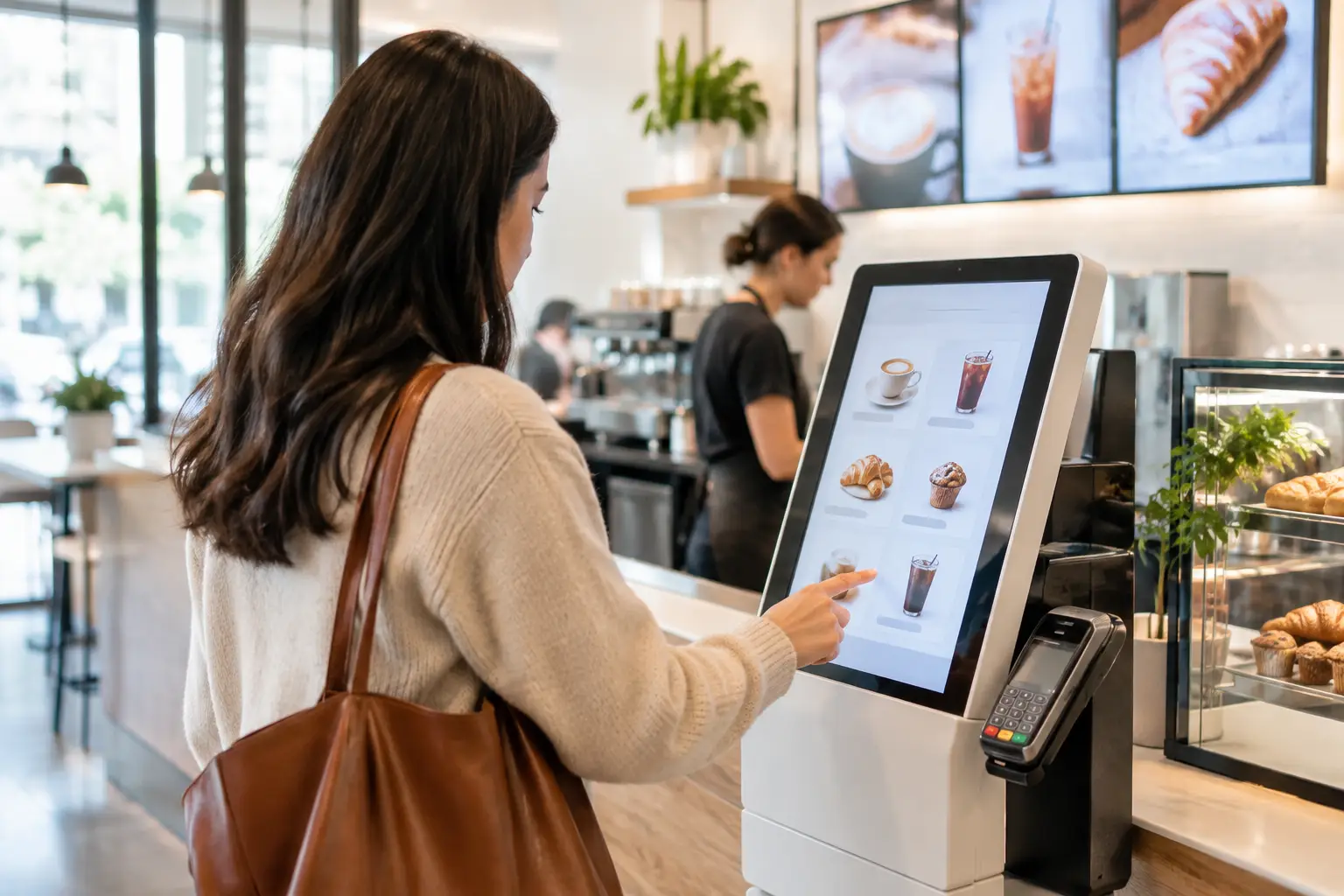
In quick-service restaurants, POS integration is commonly applied to digital menu boards and self-order kiosks. Menu availability can affect what is promoted on screens, while daypart rules adjust messaging from breakfast to lunch without local intervention. When the menu, kiosk, and POS work from aligned data, organizations reduce the likelihood that a customer orders an item that staff cannot fulfill.
For retail chains, the priority is usually pricing accuracy and promotional execution. Digital displays can show products, campaign pricing, loyalty prompts, and localized inventory messages based on data from commerce systems. However, price-sensitive use cases require stronger approval workflows than general brand content. The organization should define who approves the price feed, how discrepancies are flagged, and how quickly correction workflows operate.
In supermarkets, POS-connected signage can support promotional zones, deli counters, and customer queue communication. It can also work alongside electronic labels, rather than replace them. Labels provide precise shelf-edge pricing; larger displays provide campaign context, category messaging, and dynamic operational notices.
Banks and service organizations can use transaction or ticketing data more selectively. Screens may display queuing status, service availability, or estimated wait conditions without exposing customer information. Here, privacy controls and content governance are central. The benefit is not advertising volume. It is clearer customer flow and reduced pressure on service teams.
Governance Must Be Designed Before Deployment
The integration itself is only one component of reliability. Enterprise teams also need to decide which changes can be automated, which require approval, and which must never be initiated from the signage platform.
A mature governance model addresses at least four areas:
- Data ownership: identify the authoritative source for prices, products, availability, and campaign eligibility.
- Approval paths: distinguish automatic operational updates from marketing changes that require review.
- Exception handling: define alerts, fallback content, and escalation when data is missing, invalid, or delayed.
- Auditability: retain records of what was displayed, where it was displayed, and which data version triggered it.
DEX Manager supports this operating model through centralized device and content management, role-based control, scheduling, monitoring, and reporting. It can be deployed by SIA Interactive or a certified partner network, depending on the organization’s delivery model and regional requirements. The value lies in maintaining one platform for governance across a distributed display estate, even when individual locations use different hardware formats or localized content.
Integration Trade-Offs to Decide Early
Real-time data is attractive, but it is not automatically the best design. More frequent synchronization can increase dependency on POS availability, network capacity, and data quality. For promotions that change once per day, a controlled scheduled update may be more appropriate and easier to validate. For stock-outs or service queue conditions, near-real-time updates may justify the added architecture and monitoring.
There is also a choice between direct API integration and an intermediary integration layer. Direct connections can reduce components for a limited deployment with a stable POS platform. An intermediary service can be preferable for large estates, multiple POS vendors, or future expansion because it standardizes data, handles retries, and isolates the signage platform from vendor-specific changes.
Hardware should be selected as part of the same design discussion. Commercial-grade displays and media players are built for defined operating hours, remote monitoring, and repeatable deployment. Consumer devices may appear cost-effective at purchase but can create higher support exposure when a network expands across hundreds of sites. In high-visibility service environments, uptime is a business requirement, not a display specification.
Measure the Operational Result, Not Only Screen Activity
A successful POS-signage program should be measured through outcomes that operations and commercial teams both recognize. These may include fewer price disputes, reduced manual menu updates, lower out-of-stock ordering, faster campaign activation, shorter perceived queue times, and fewer support incidents caused by inconsistent screen content.
Platform monitoring adds another operational measure: whether the intended content actually reached the device and played as planned. A published campaign is not proof of execution. Teams need visibility into player connectivity, screen status, content proof of play, and exceptions that need local attention.
The strongest integration is rarely the one with the largest number of data fields. It is the one that makes a specific physical-space decision more accurate, more timely, and easier to govern. Start with the customer or staff moment that currently fails, define the source of truth and fallback behavior, then build the display workflow around that reality.